Version 7.9.0
Well hello there, fellow astrologers!
Here is version 7.9.0, which has just arrived today. A few small fixes are already planned for the coming days, but the biggest part is already here (even though there are still many improvements I want to make in the long term, but one thing at a time!)
On the agenda, let’s start with the improvements:
- Correction of the time zones for France covering wartime periods. I would not claim to be certain that all special regimes have been corrected, as local exceptions will always exist, but at least the bulk of it is done.
- Correction of a sorting issue in the chart manager. Indeed, charts containing a name with accents ended up at the bottom of the list. Problem solved!
- Correction in free composition mode so that it now takes planetary spacing into account.
- Correction of the MP/PS tree display, which was overlapping the buttons at the bottom of the panel. Just a display issue, but it is still better now.
- Correction of a definition display issue in the MP/FP lists of the House Table. Indeed, we ended up with definitions from the Personal Grimoire in the case of MPs, which used the meanings of aspects in opposition, whereas MPs are rather meant to carry the same definition as a conjunction of the two planets. This is fixed.
Now let’s move on to the new features of this version!
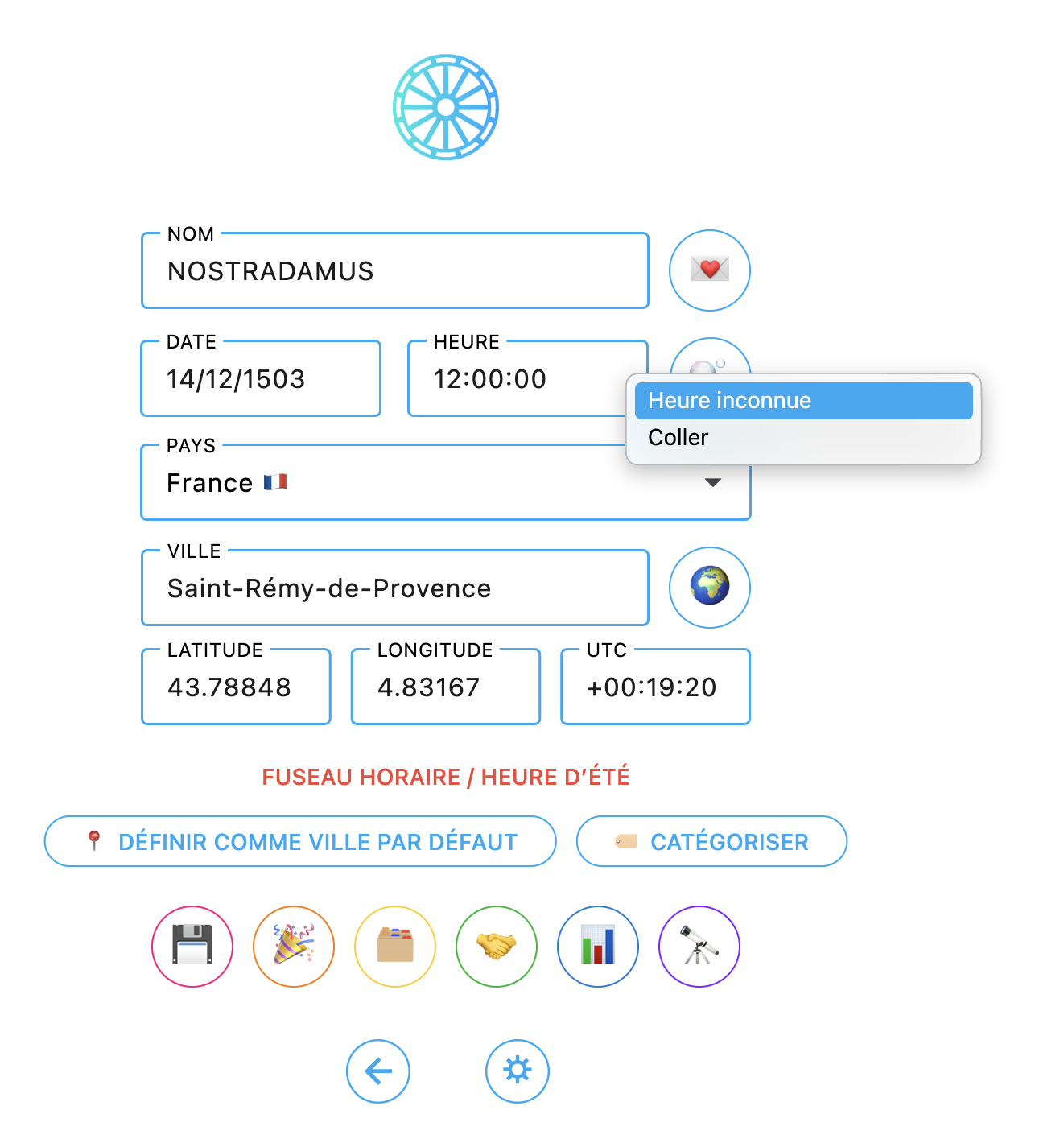
- First of all, on the chart creation page, it is now possible to right-click on the time field to define it as unknown. The software will set 12:00 by default but will remember, when saving the chart, that the time was unknown.
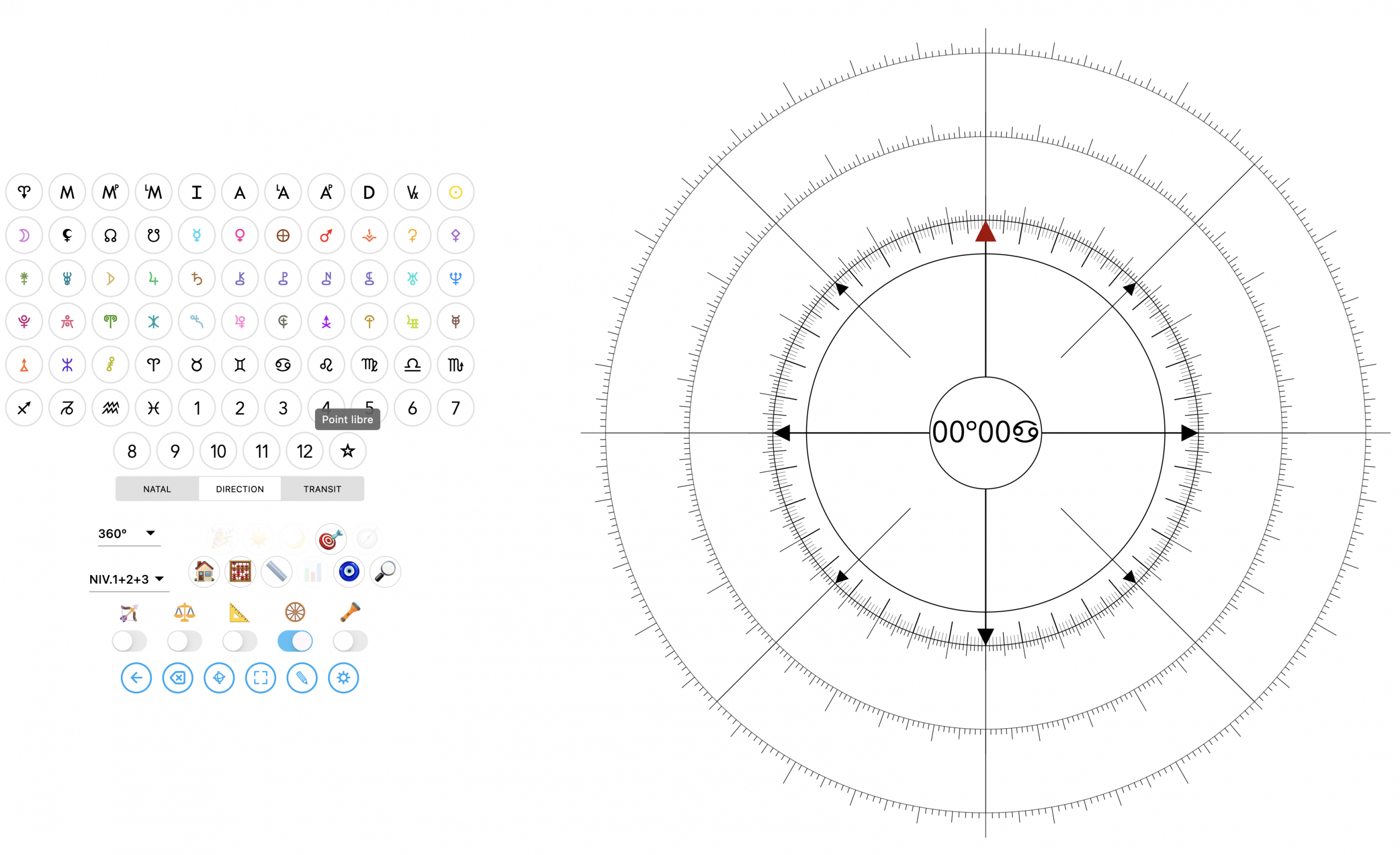
- Addition of the ? symbol in free composition mode:
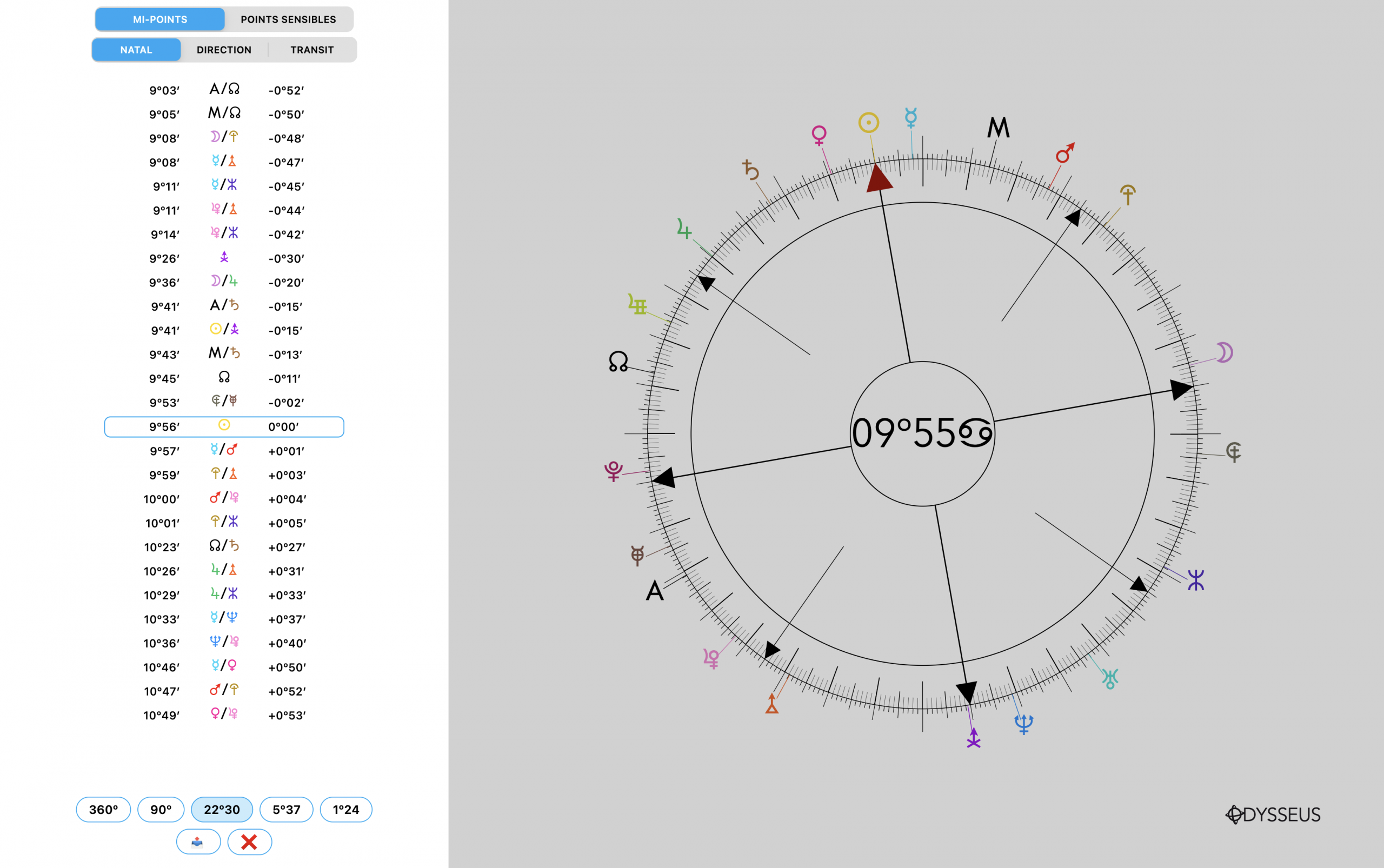
- Addition also of the MP/PS Tree, still in free composition mode:
- I have also expanded the Lunations 🌙 section, in the Events 🎉 menu, to add a configuration button that allows certain lunations to be added or removed according to the user’s preferences:
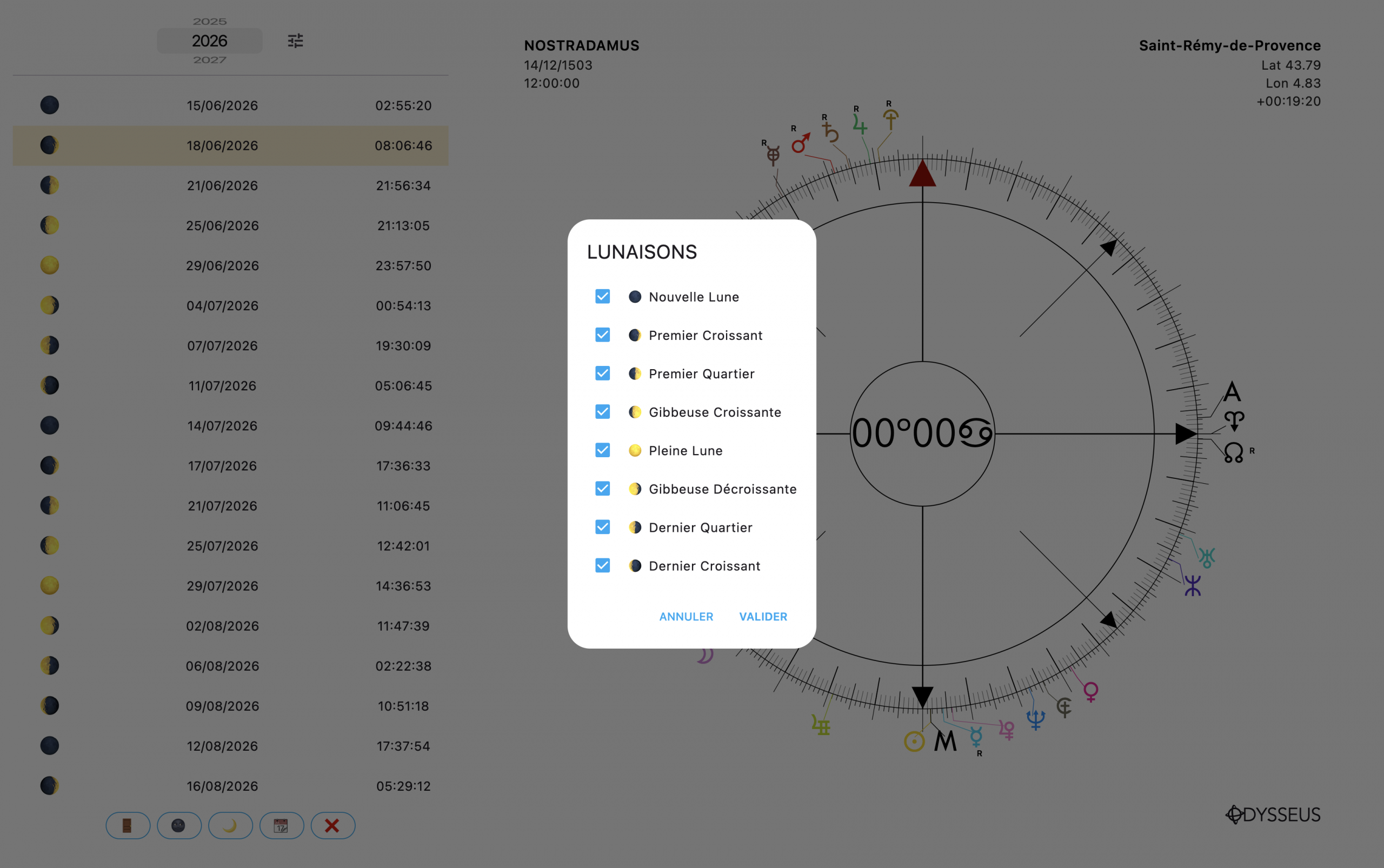
Moreover, this panel now remains open permanently, so that you can quickly switch between lunation, ingress, or eclipse without having to reopen it each time.
- Customizable points now appear in the context menu when right-clicking on planets:
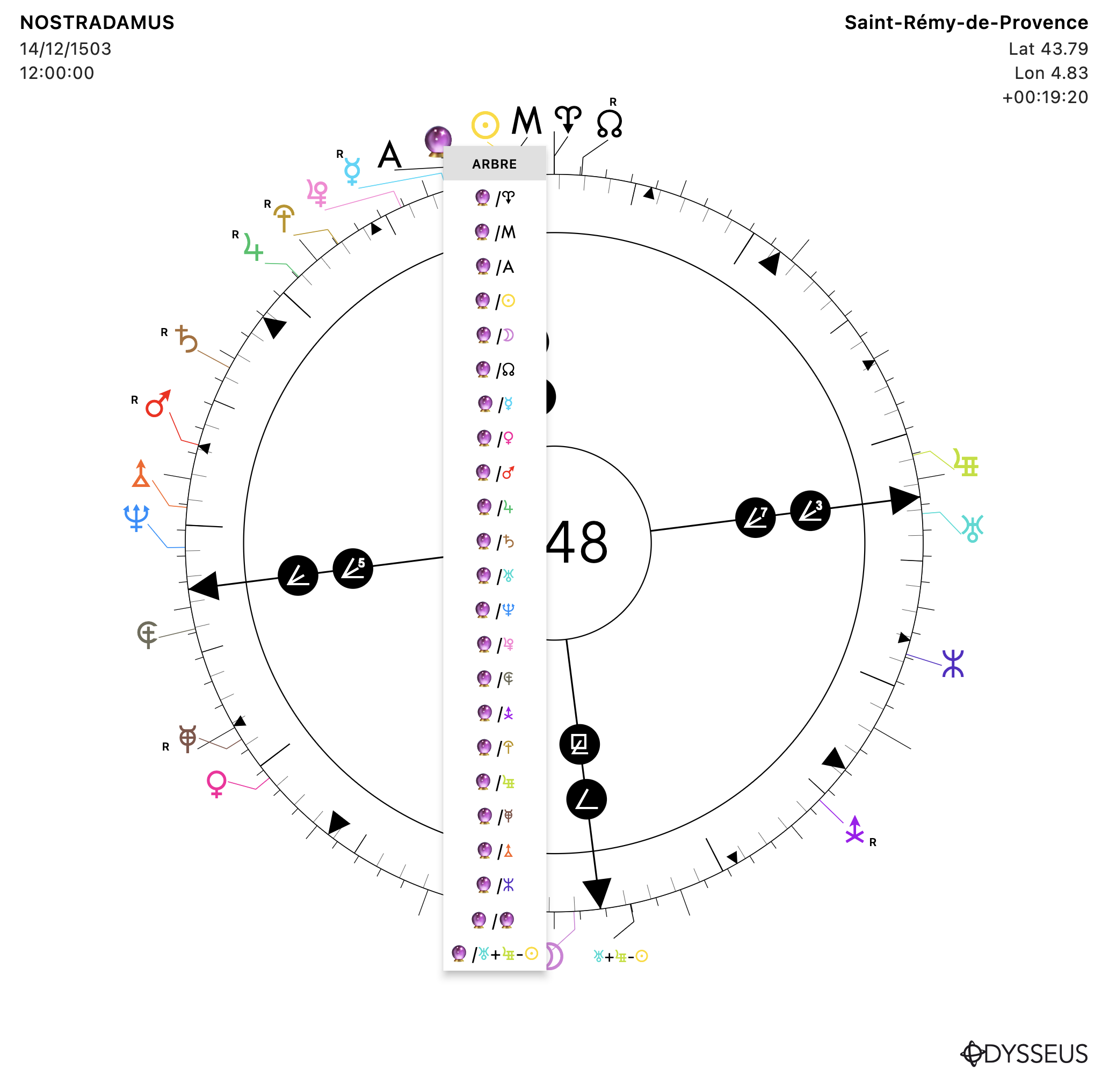
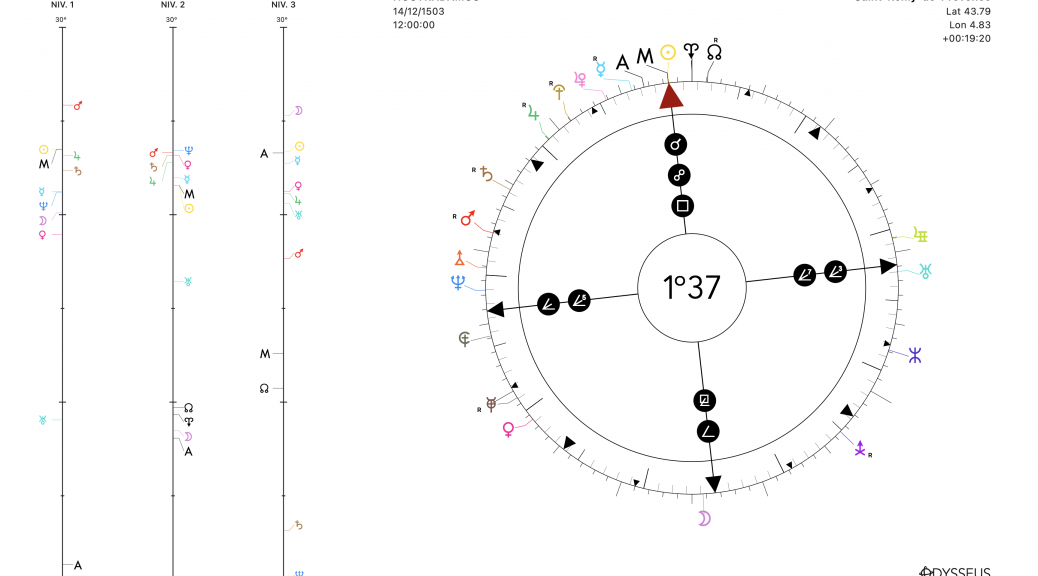
As seen here with the 🔮 symbol, which represents the midpoint of clairvoyance U/e, conjunct the < and the N of Nostradamus.
- I have also added a small table showing the results of the dynamics calculation for the “Meditation Wheel / Uranian Mandala”:
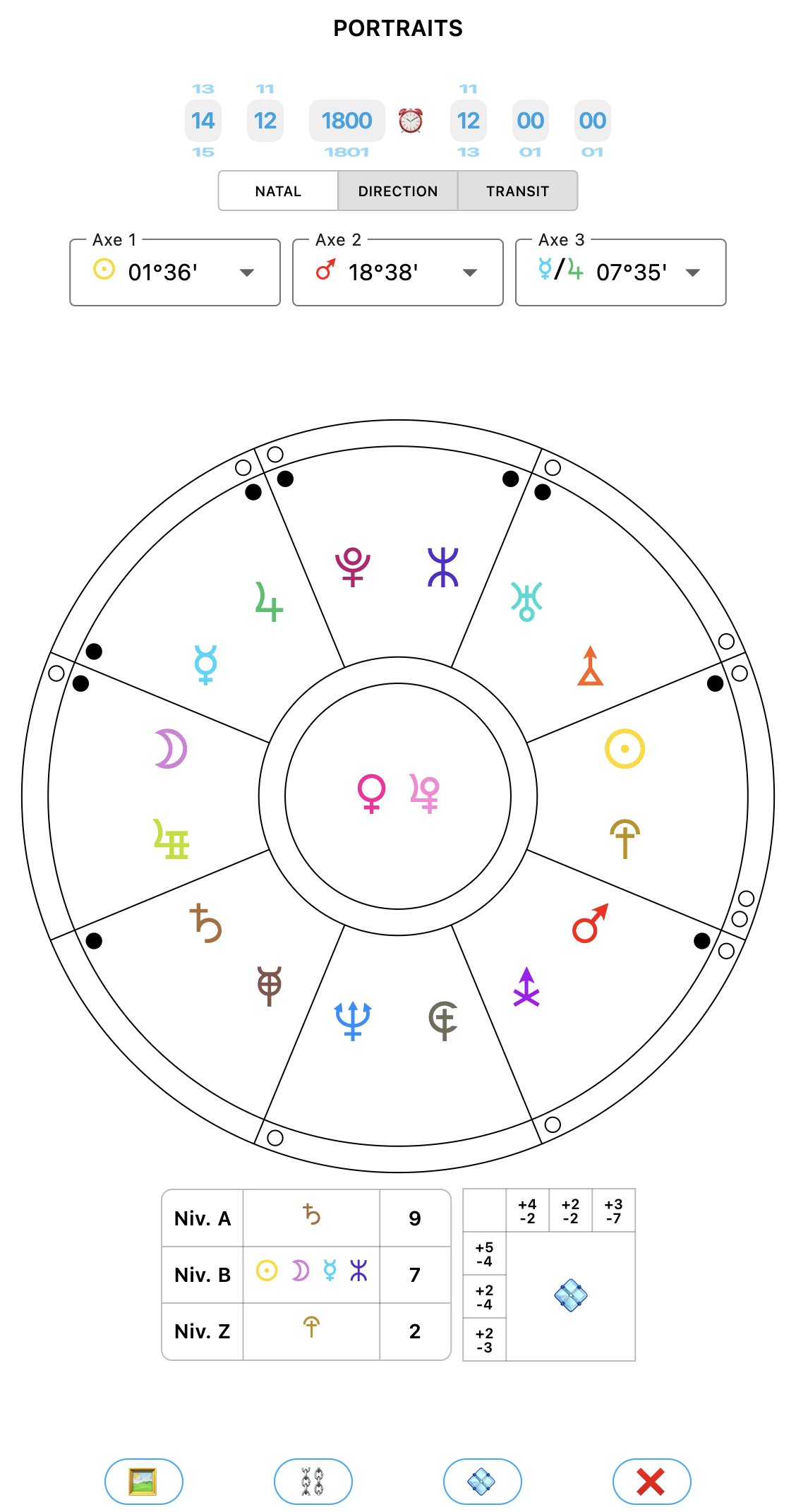
Here we can see the dynamics with + and – signs for each row and column of the mandala. More information about the Mandala will come later.
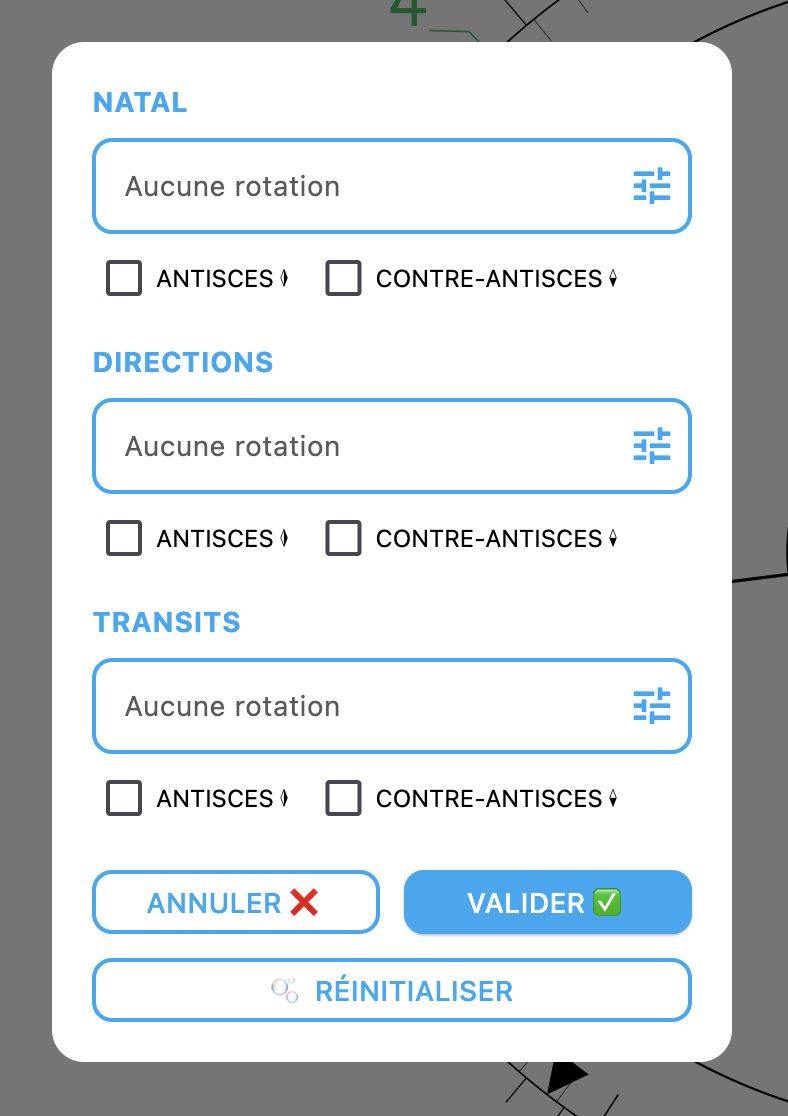
- The Horoscopes panel has been redesigned to make it easier to use and, above all, more exhaustive:
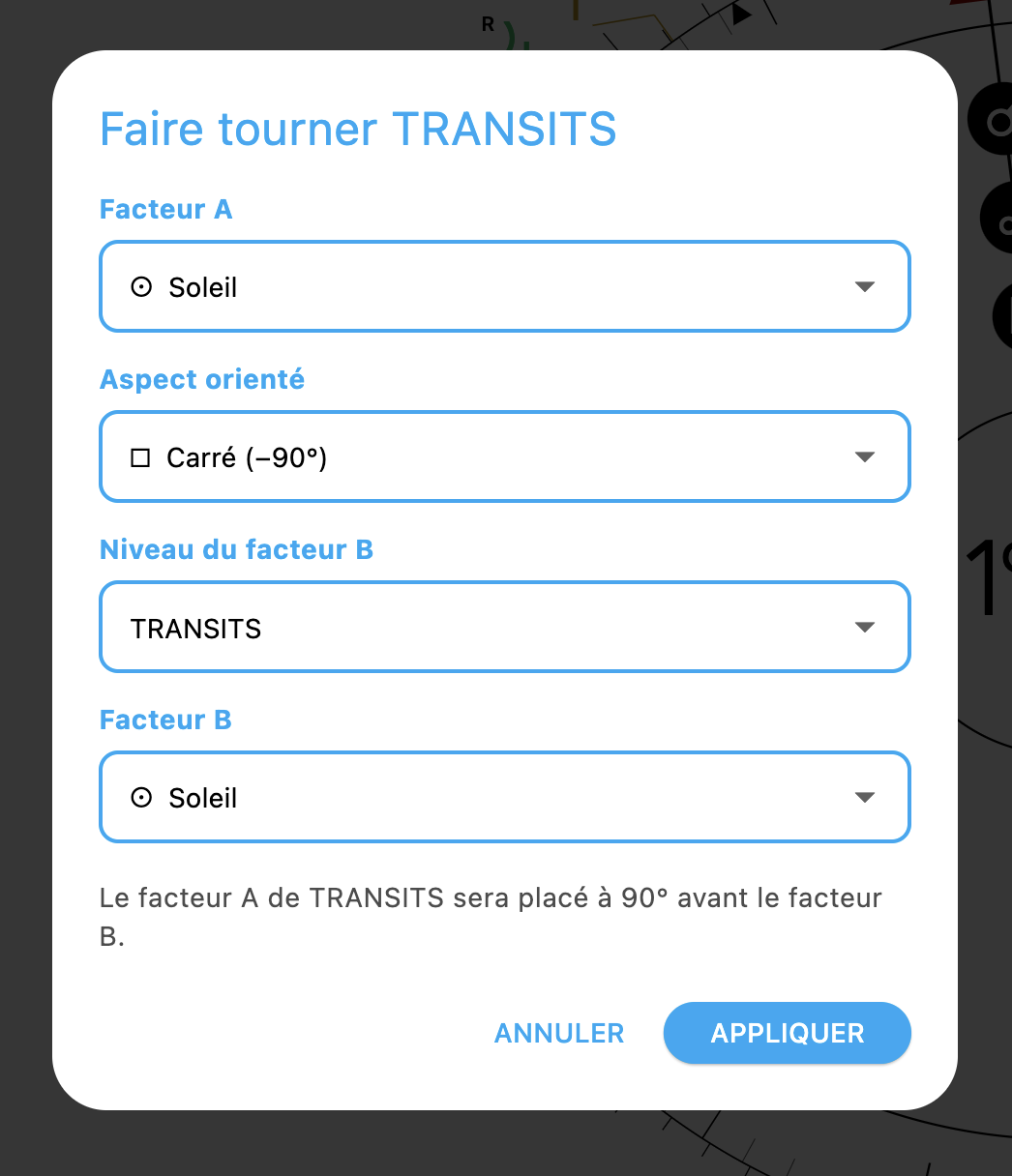
- In the Codex, Figures tab, I reversed the display of the planets, which I did not find intuitive, so that the planet that was clicked appears first on the title line, instead of being placed at the end of the line.
And still in the Figures tab, I added a REPORT button which, once clicked, generates ALL the texts for ALL the figures in the chart. A real mess to explore, but it was requested. So there you go. It is done.
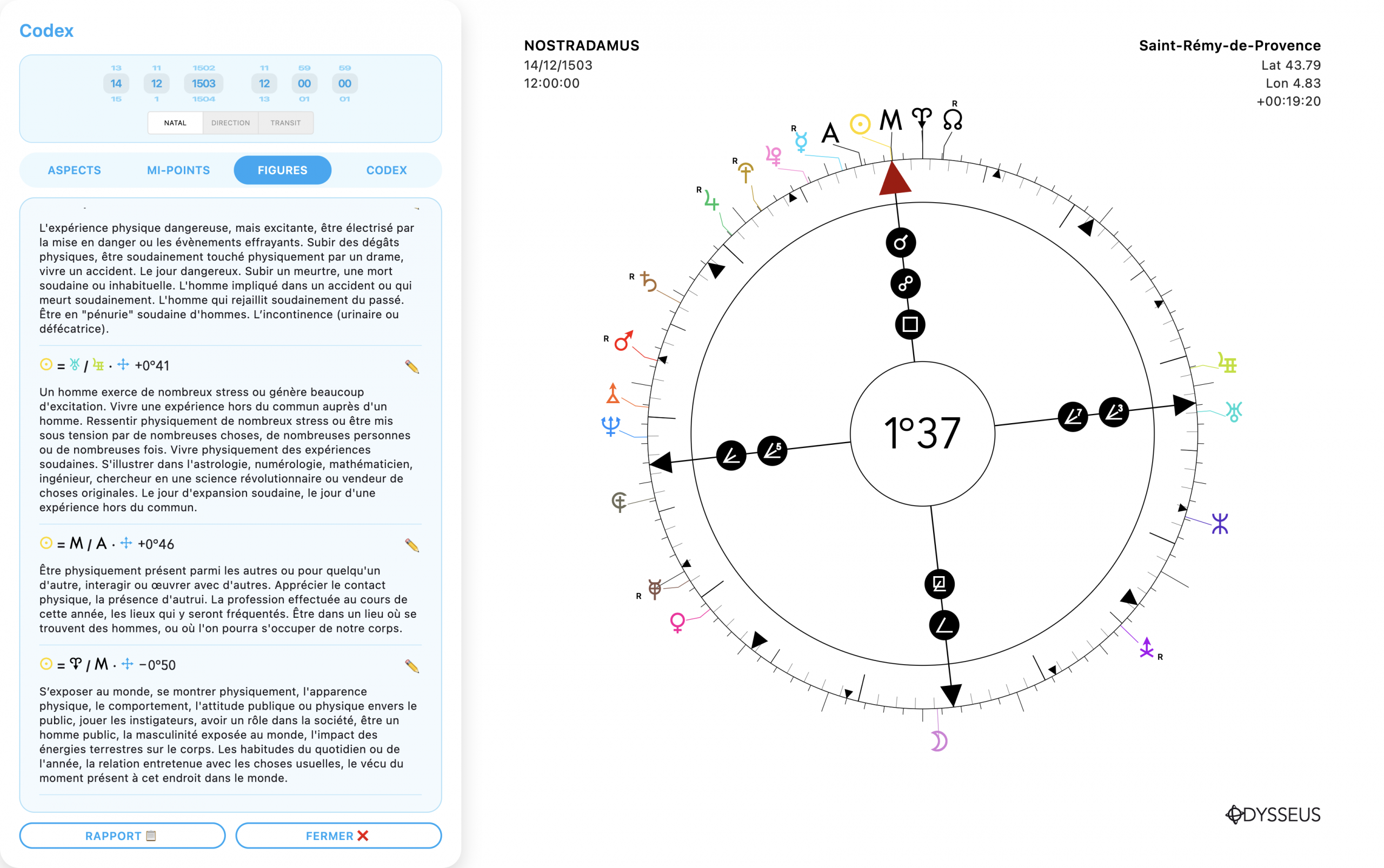
- Since I received feedback from a user who was unable to double-click in the center of the wheel to open the degrees window, I decided to integrate it into the context menu when right-clicking on the wheel. There is now a new line in this context menu, the ✥ MOVEMENT line. And inside it, you will find the DEGREES option, as well as clockwise or counterclockwise ROTATION:
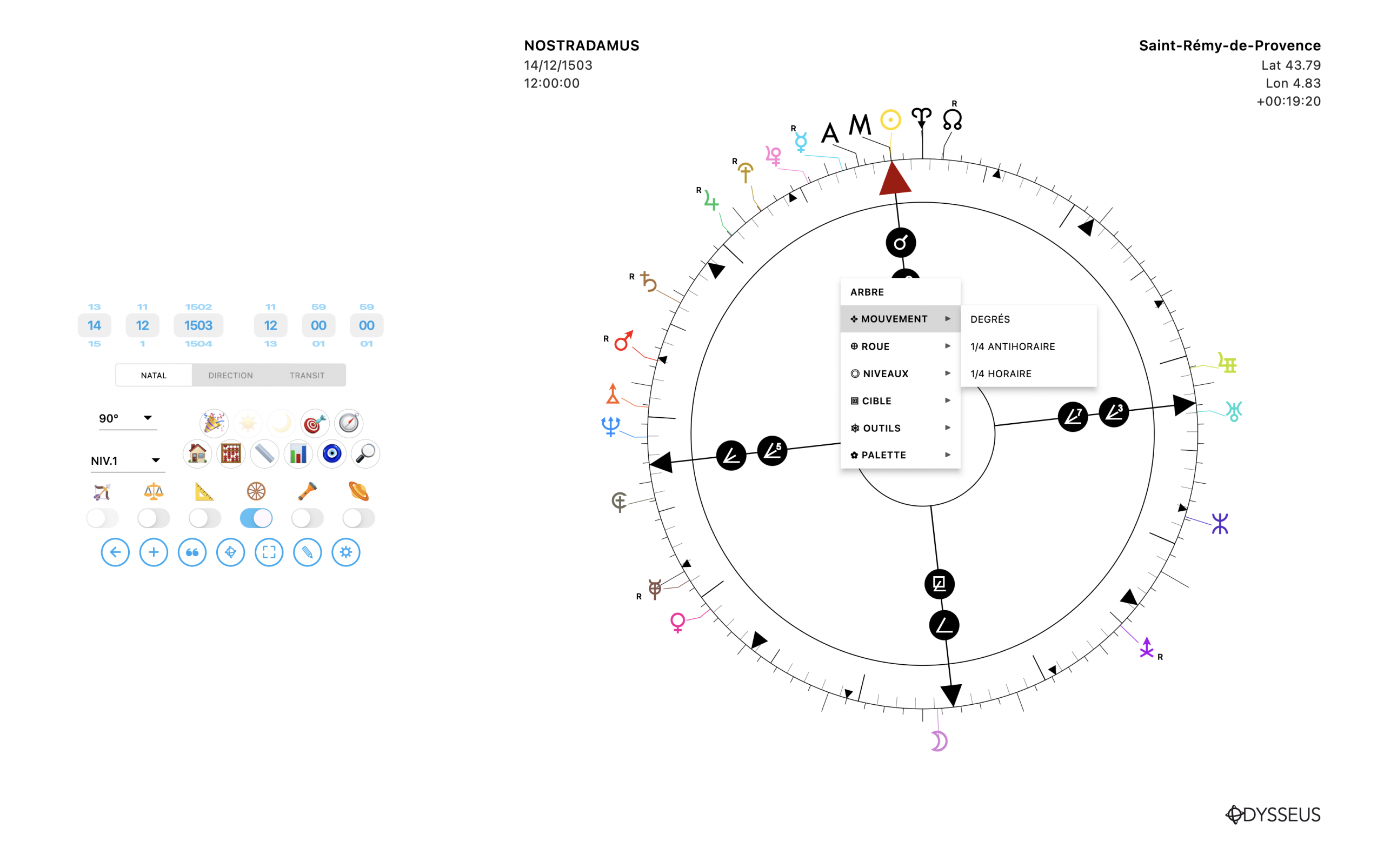
- I have also created a new panel to display the declinations of the planets across the three levels. It can be accessed via the 📏 button:
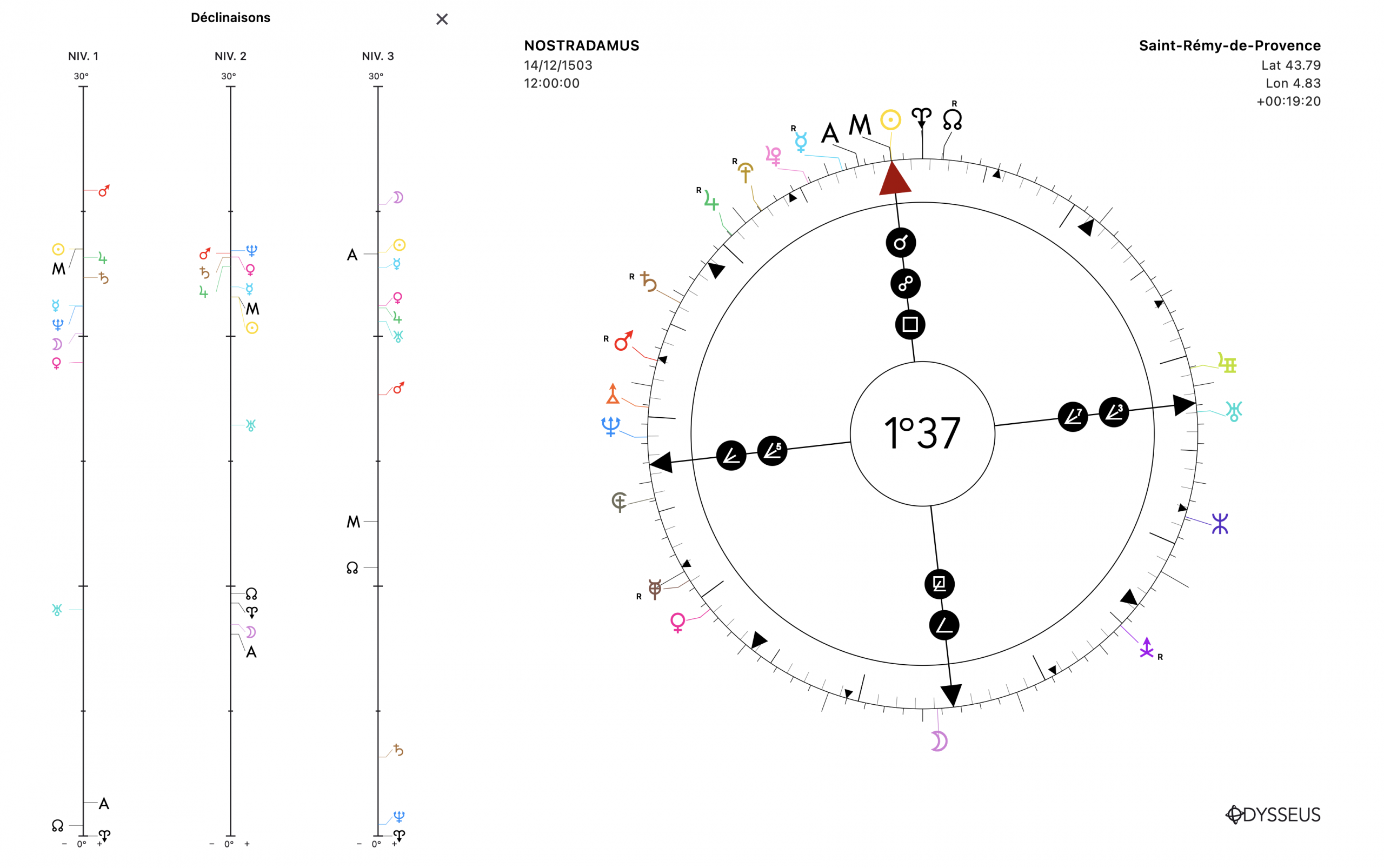
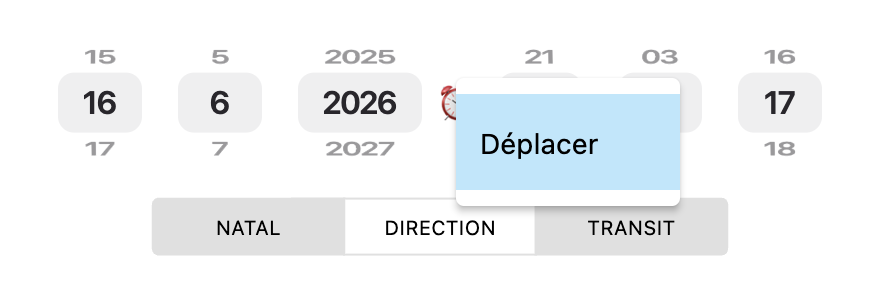
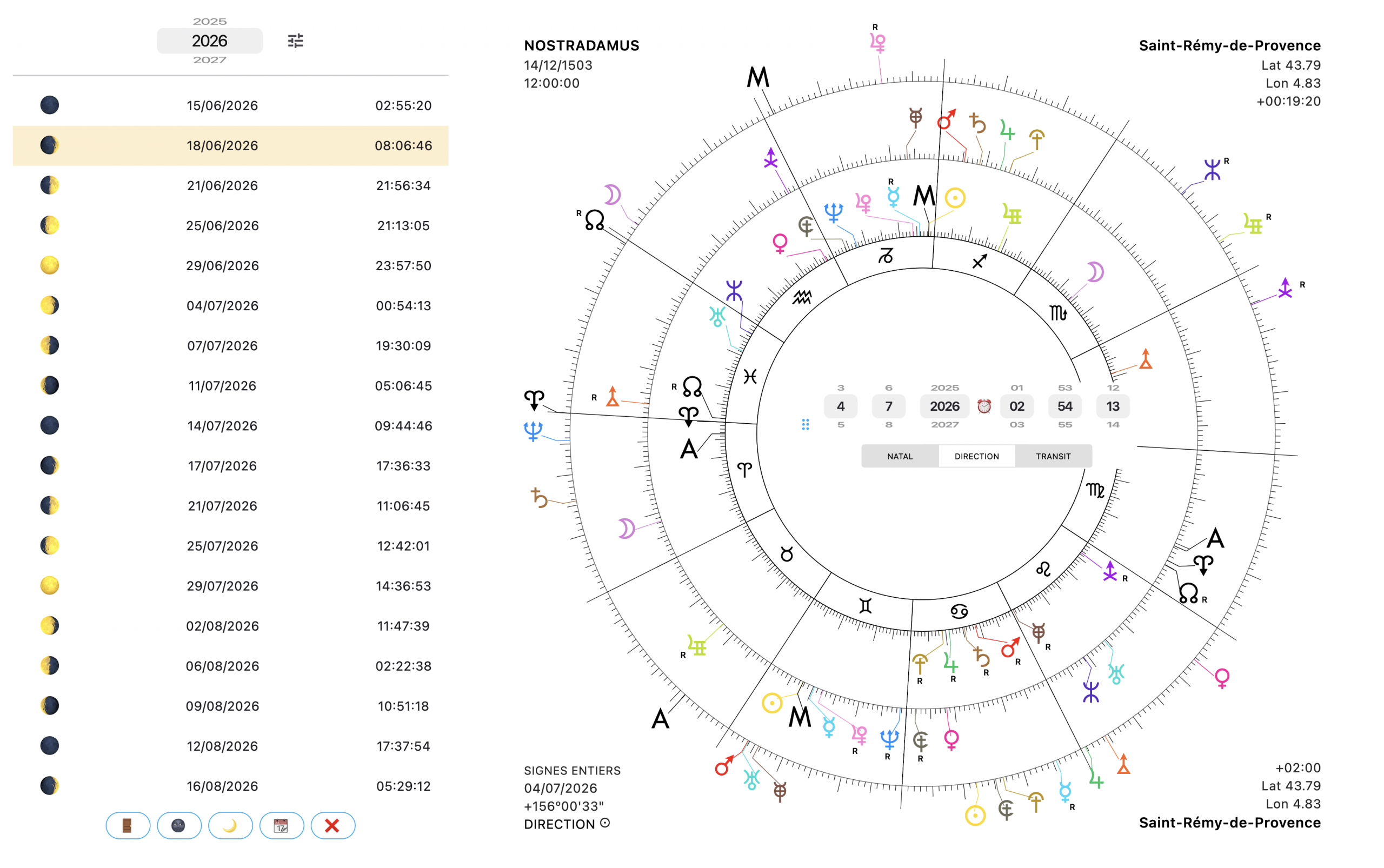
- And finally, right-clicking on the date/time wheel pickers or on the levels slider brings up the context menu allowing you to choose the MOVE option. Once activated, a small movement handle appears on the side of the block. By clicking and holding it, you can then move the whole thing, which allows you to always keep an eye on the dates/times/levels even with the side panel open.
And more fixes to come 🙂