Version 8.0.0 to 8.0.2
— For updates to versions 8.0.1 and 8.0.2, see at the end of the article —
Here’s what’s new in version 8.0.0.
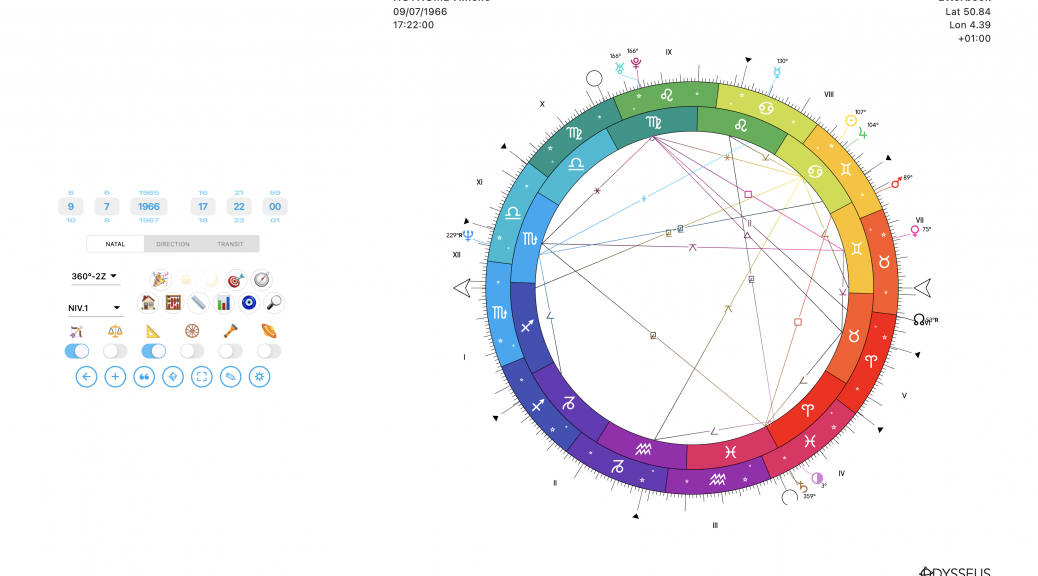
This release includes a major codebase refactoring to better adapt the application to each platform.
It also brings significant improvements to time zone handling, with support for additional special time regimes that were previously ignored.
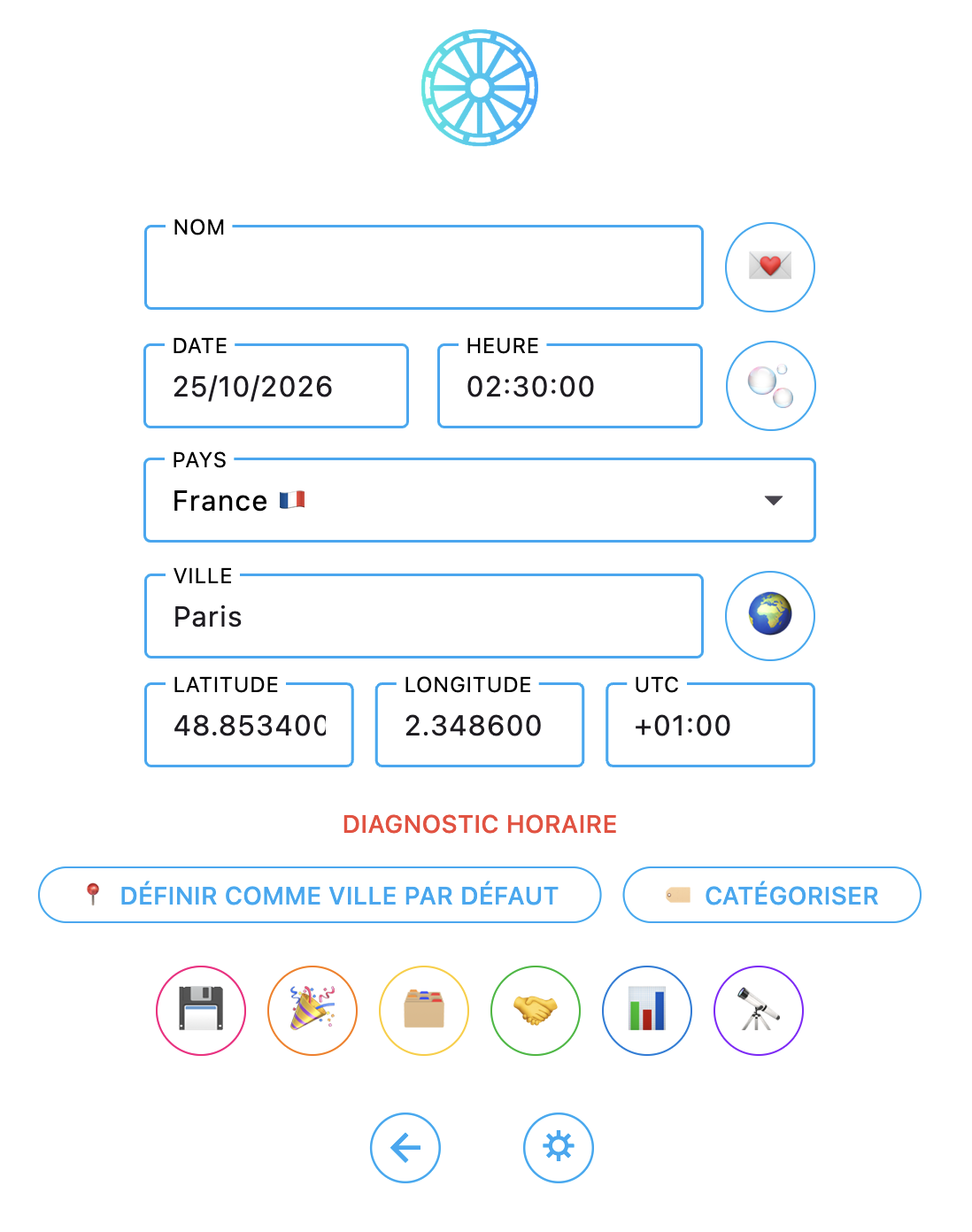
The time diagnosis line is now much more informative:
– Blue: valid time.
– Orange: sensitive or ambiguous time.
– Red: conflicting time.
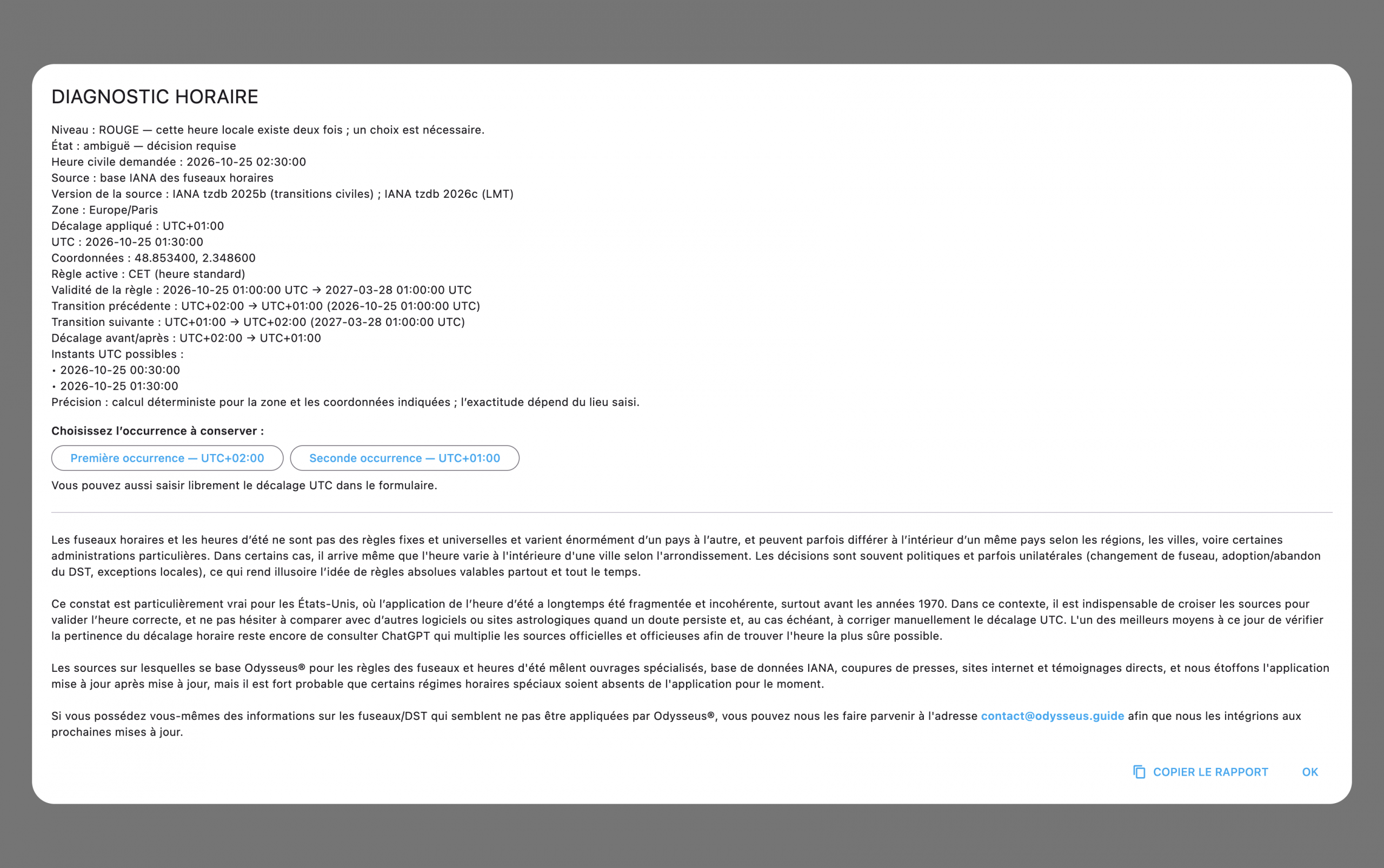
Clicking it opens a popup displaying the data source, detailed information, and—when the same local time occurs twice, as in this example—the ability to choose which occurrence you want to use…
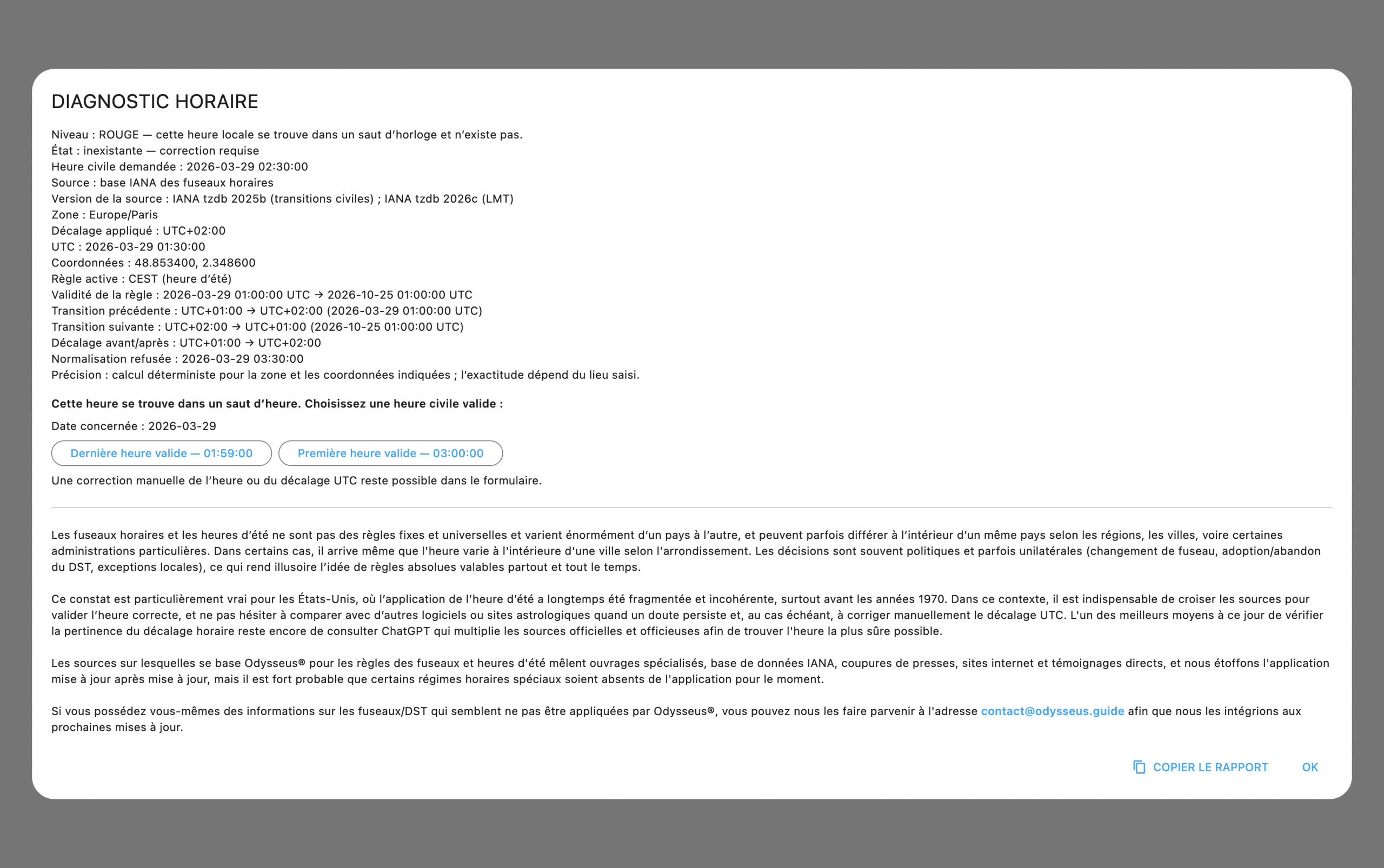
…or, if the selected local time does not exist, to choose a valid replacement time.
You can also clear the history of recently opened charts:
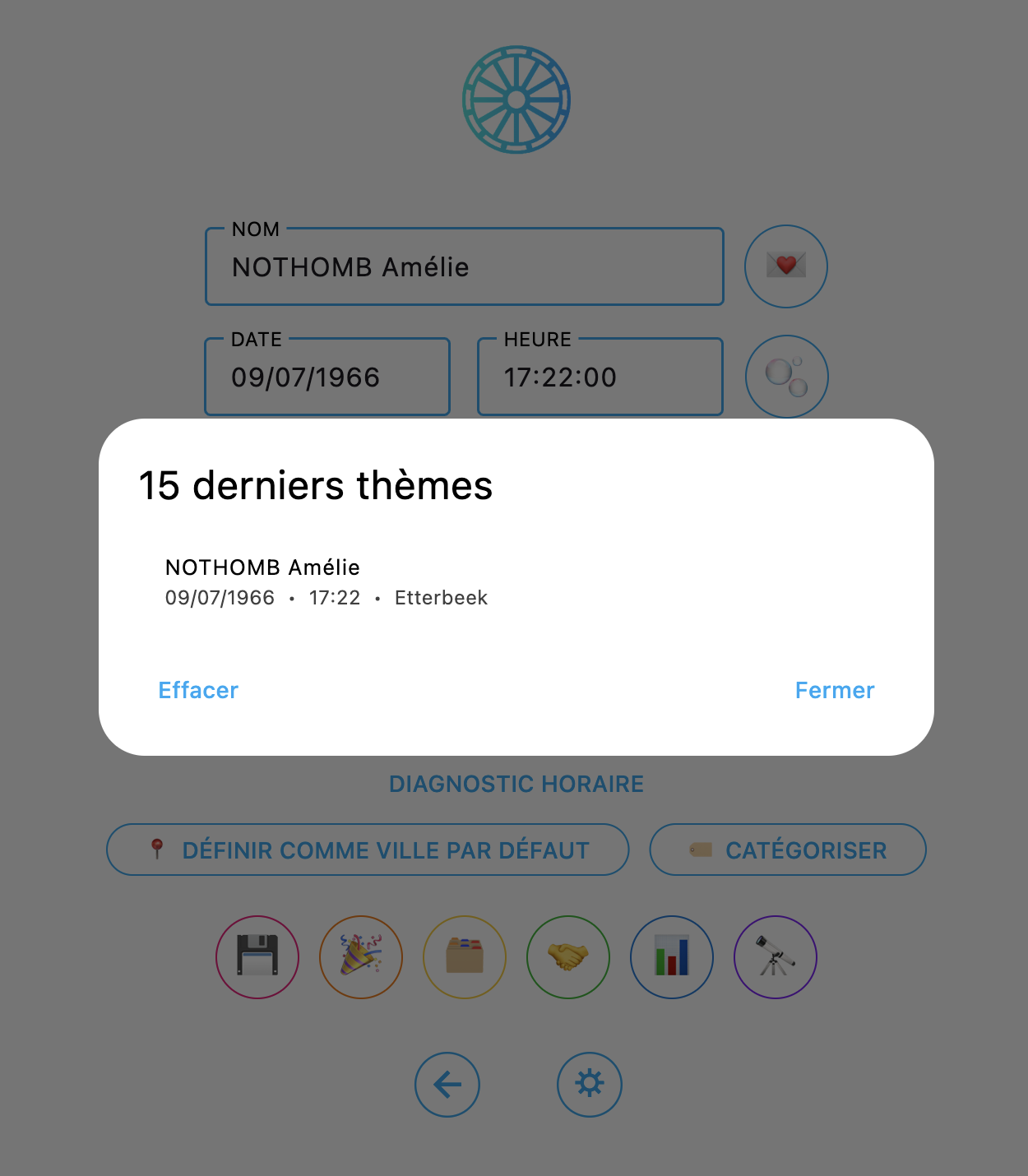
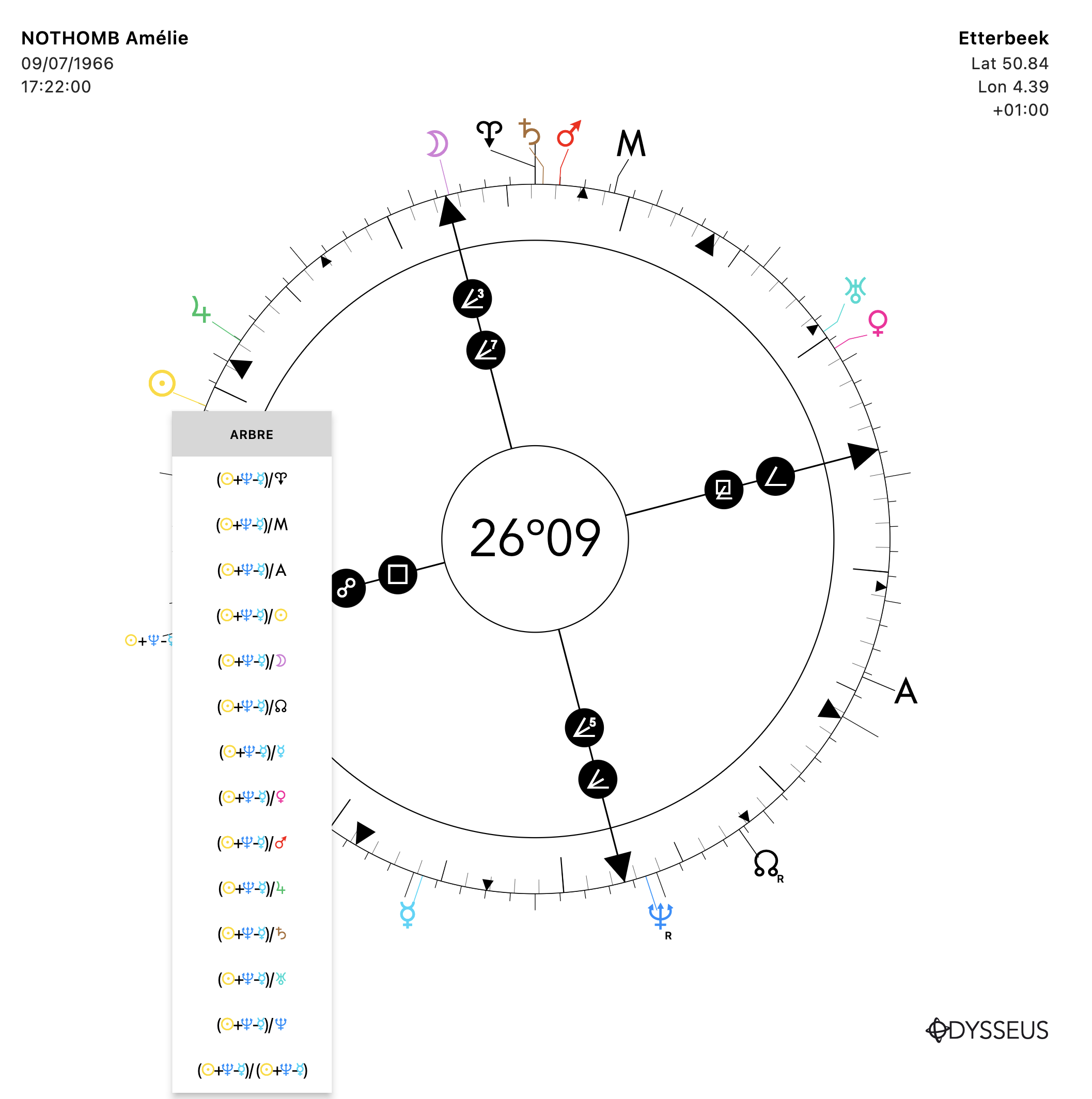
The display of custom points in the contextual menu has been redesigned for greater clarity:
You can even customize how they are displayed by clicking the ? button.
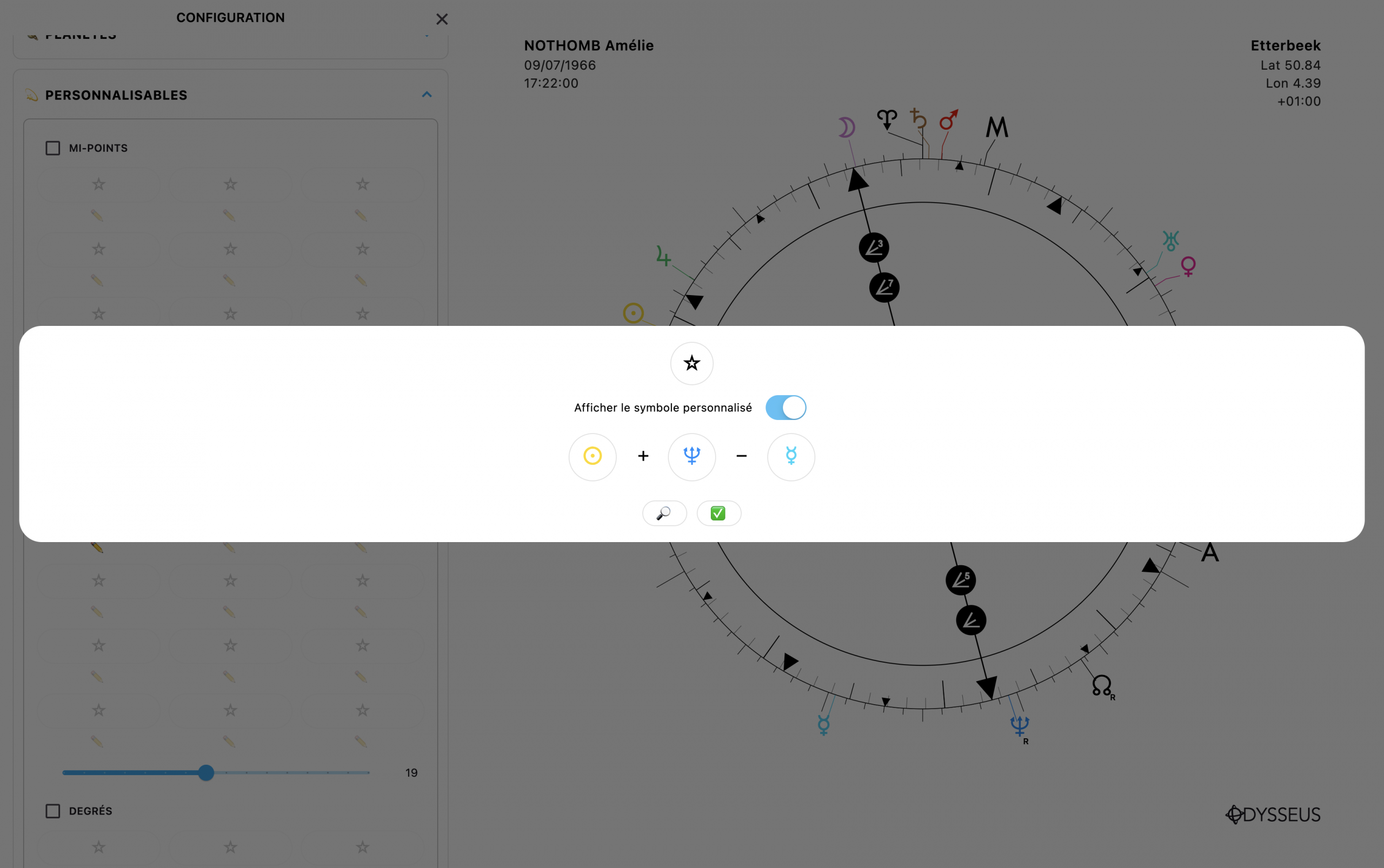
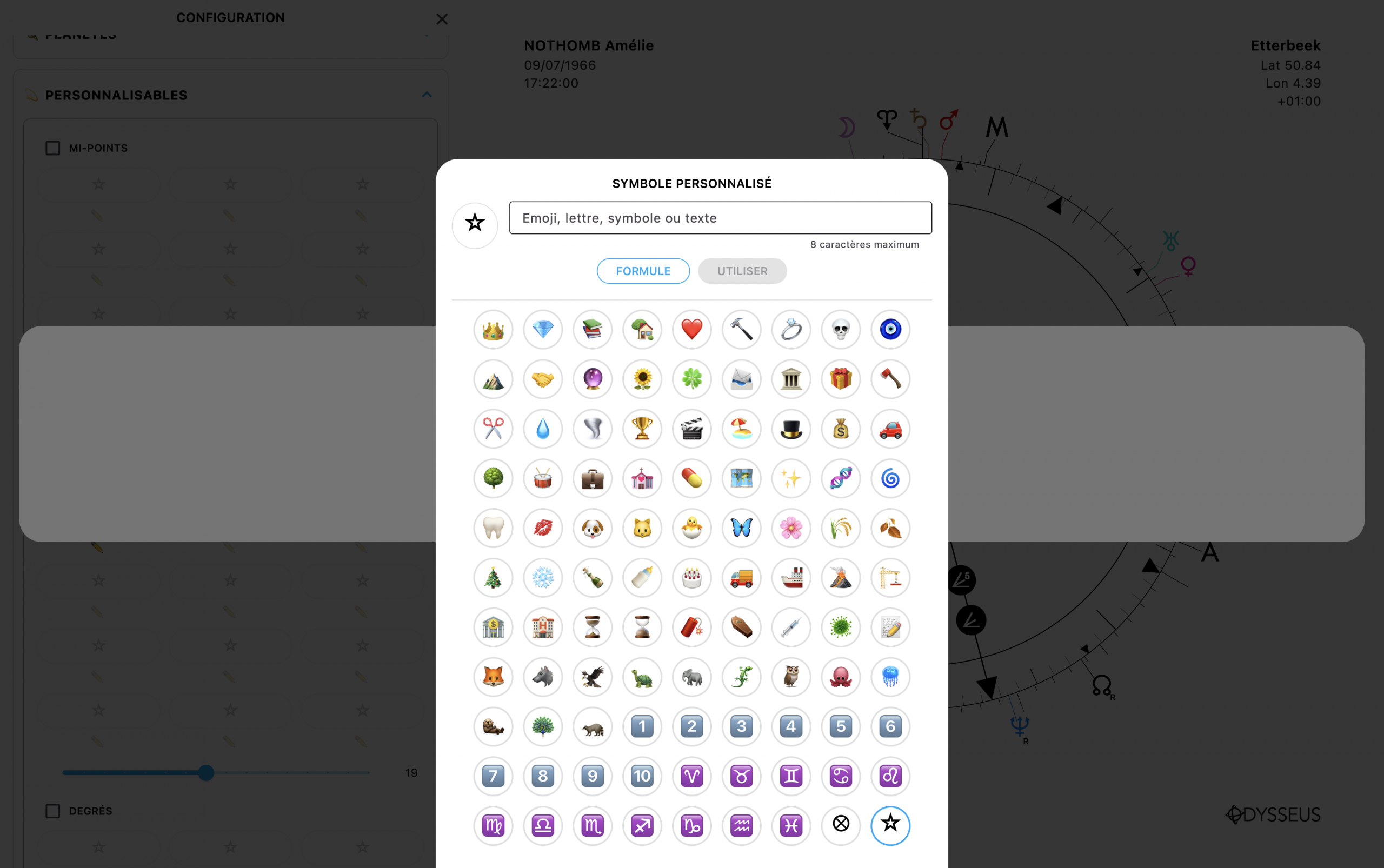
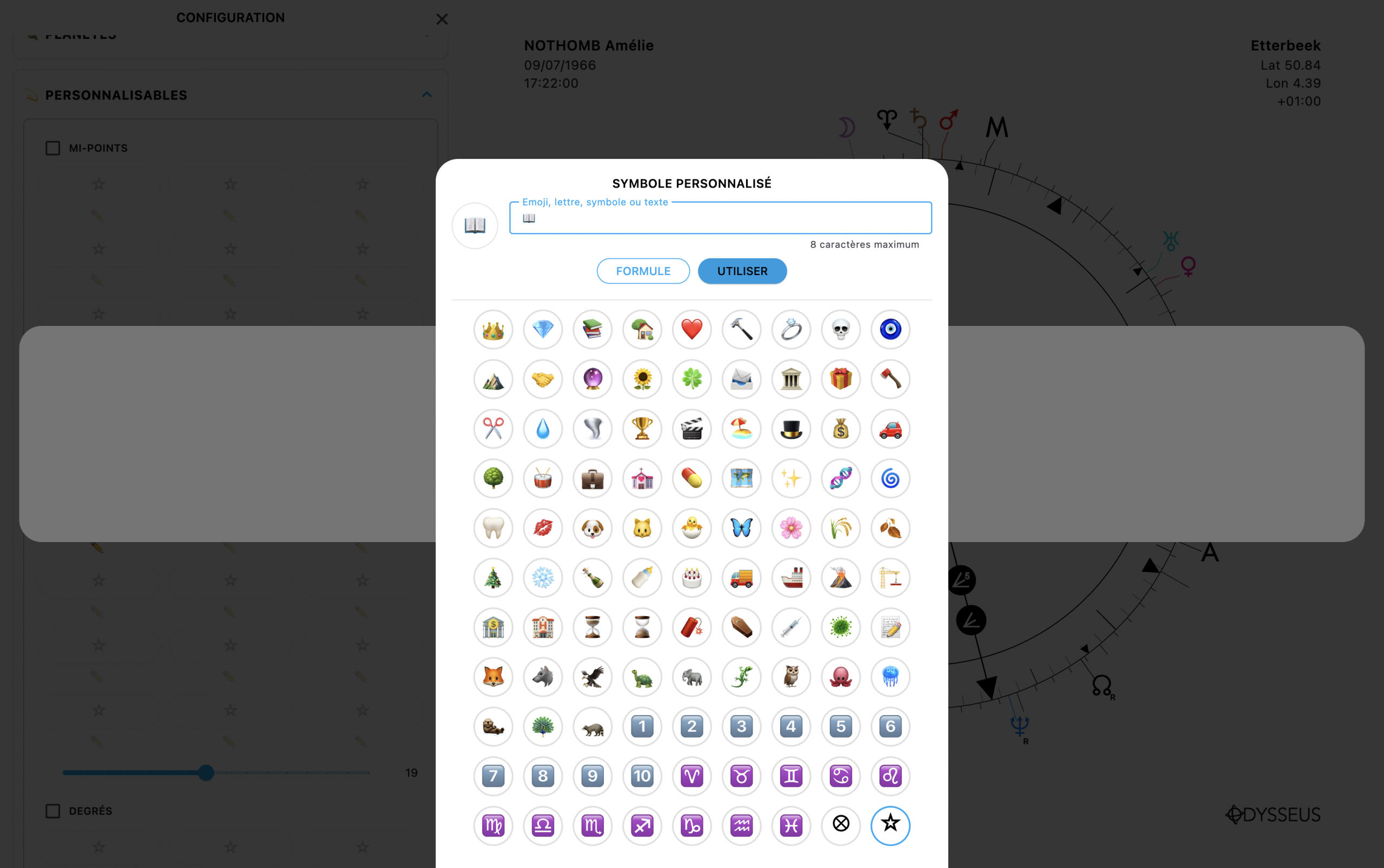
This opens a window where you can enter any text, symbol, or emoji you like:
The chart window now lets you choose exactly which celestial bodies should display their antiscia and contra-antiscia, instead of always displaying them all.
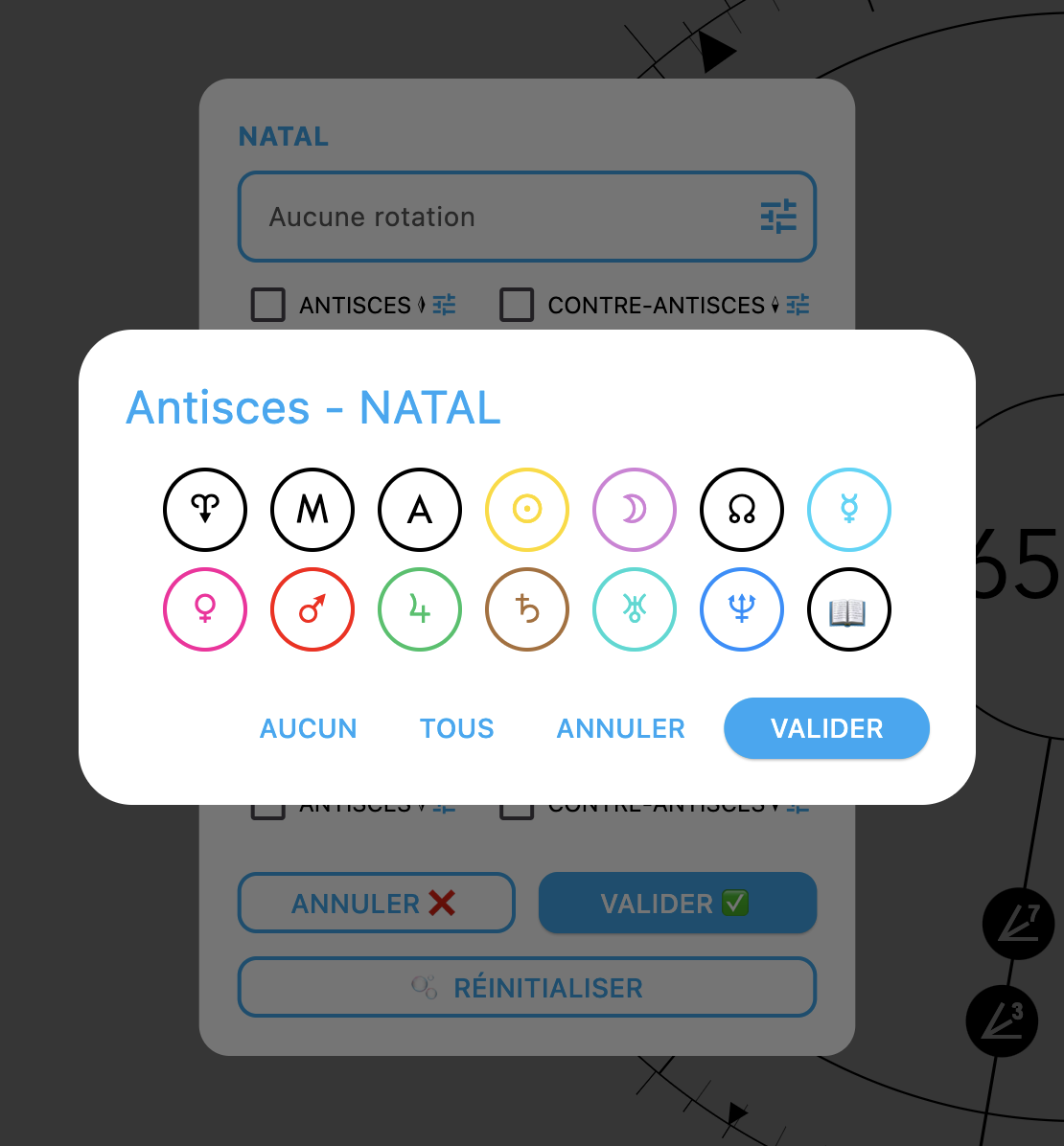
Custom points also appear in this list.
Speaking of custom points, a long press now opens the MPFP panel, and they are also available among the selectable bodies:
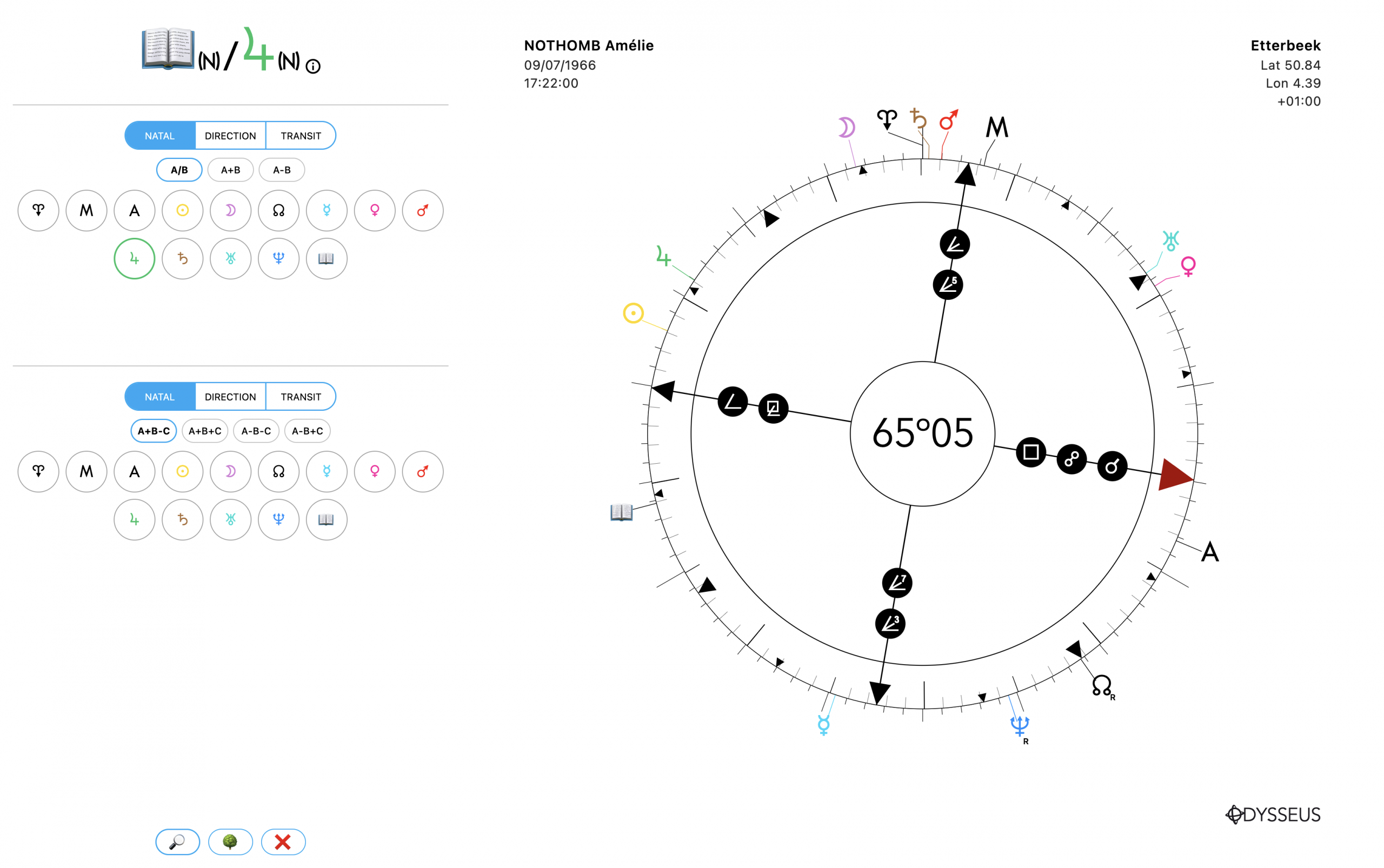
Another major addition: you can now define custom calculations using A/B, A−B, A+B, A+B−C, A+B+C, A−B−C, and A−B+C.
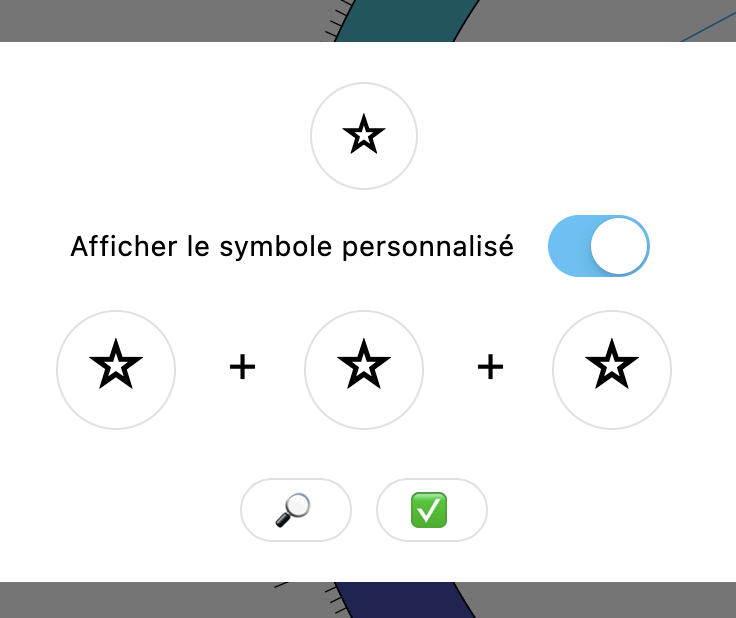
In the custom point editor, you can also switch any “+” to “−” (and vice versa) simply by clicking on it.
It is now also possible to display all cardinal points (AEHK) with a long press on A.
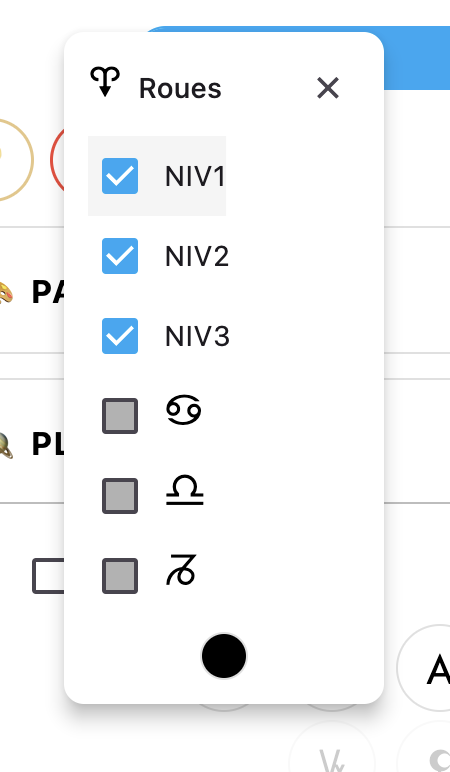
The ruler calculation mode is now fully customizable:
- Direct: conjunction j
- Axis: conjunction j or opposition k
- Cross: conjunction j, opposition k, or squares l
- Cross + Semi-Cross: conjunction j, opposition k, squares l, semi-squares m, and sesquiquadrates n
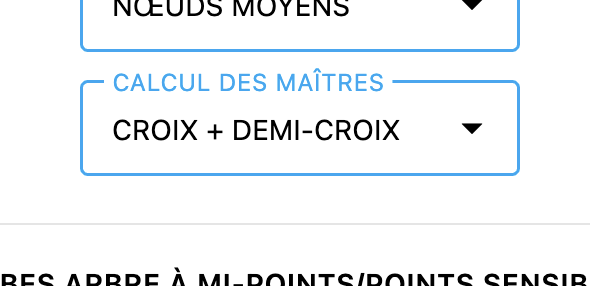
Another new feature is the display of Moon phase glyphs. Their appearance automatically adapts to light and dark mode.
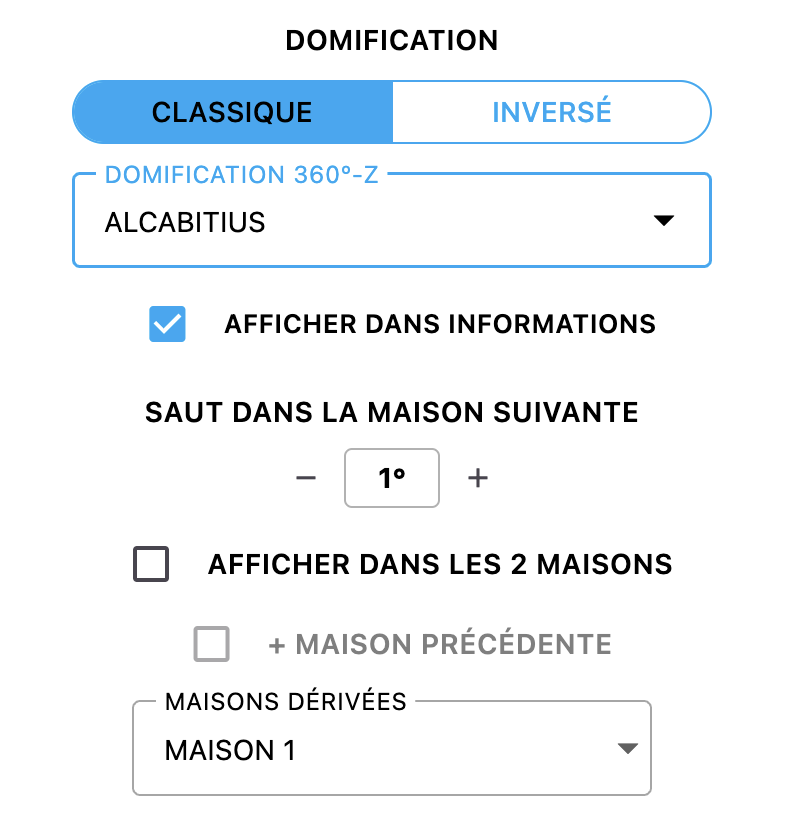
More than a dozen new house systems have also been added. You can now invert the house system and even display Derived Houses.
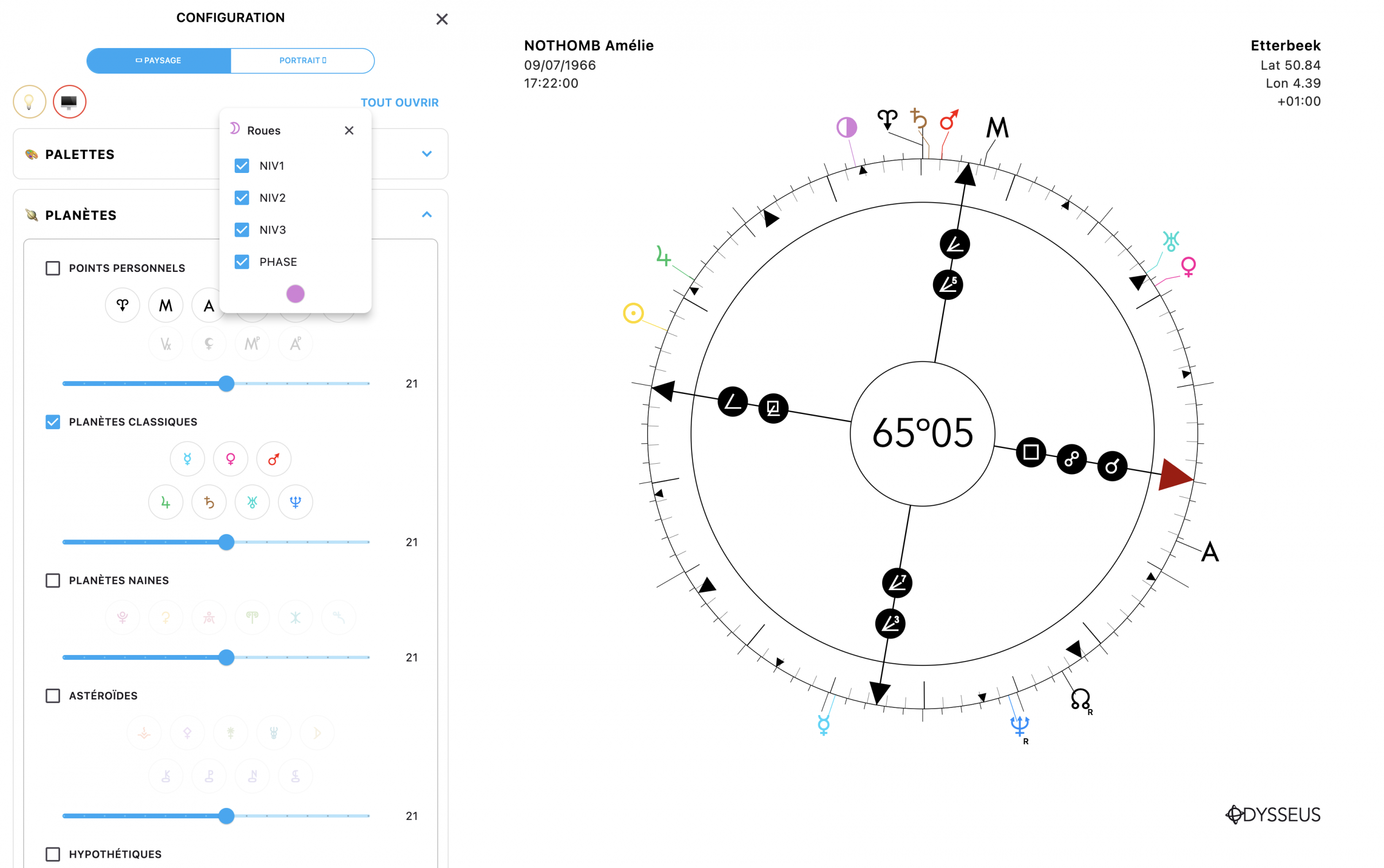
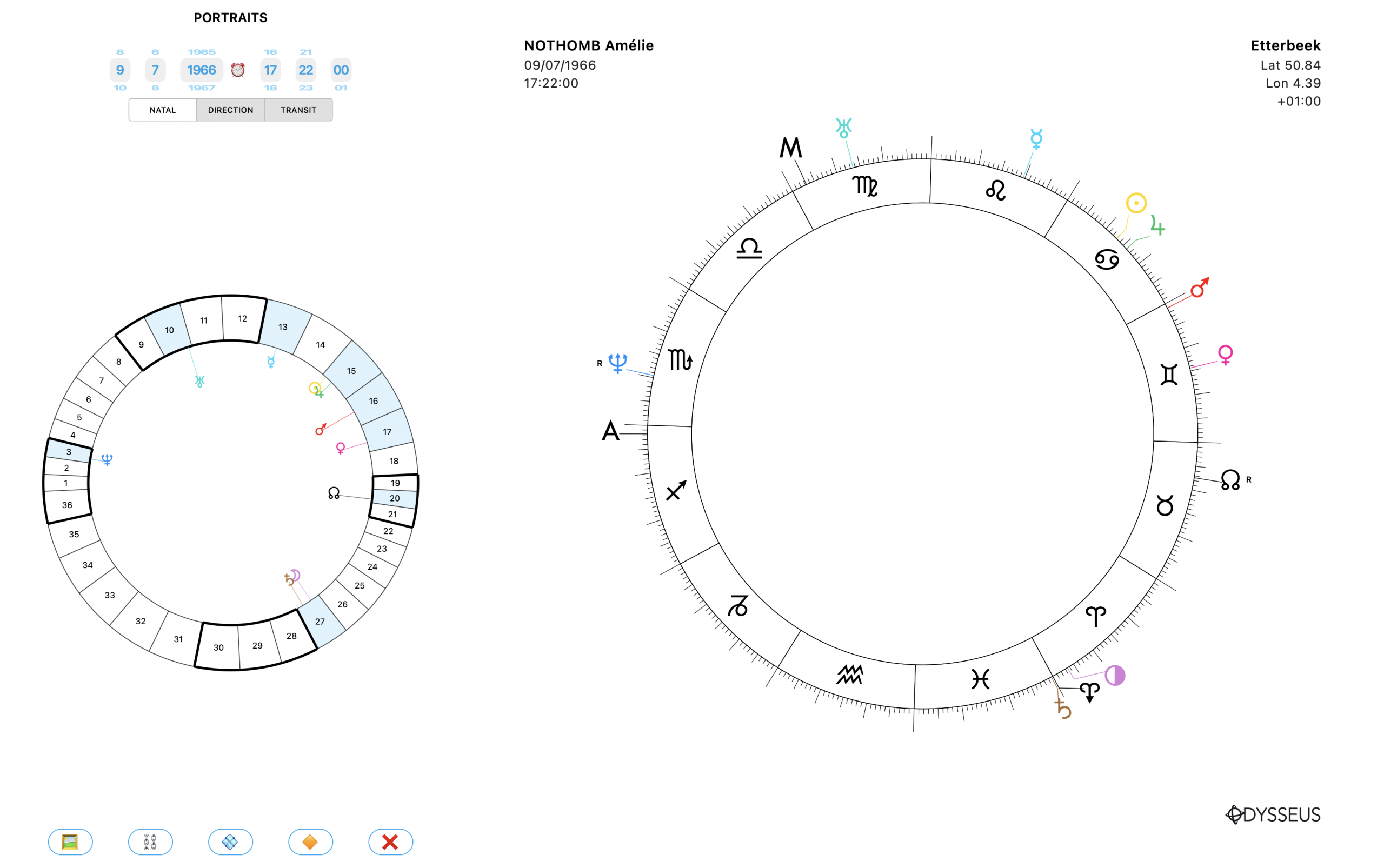
The portrait view now includes Gauquelin sectors as well.
One of the most requested features is finally here: support for ayanamsas (precession of the equinoxes), allowing you to practice sidereal astrology.
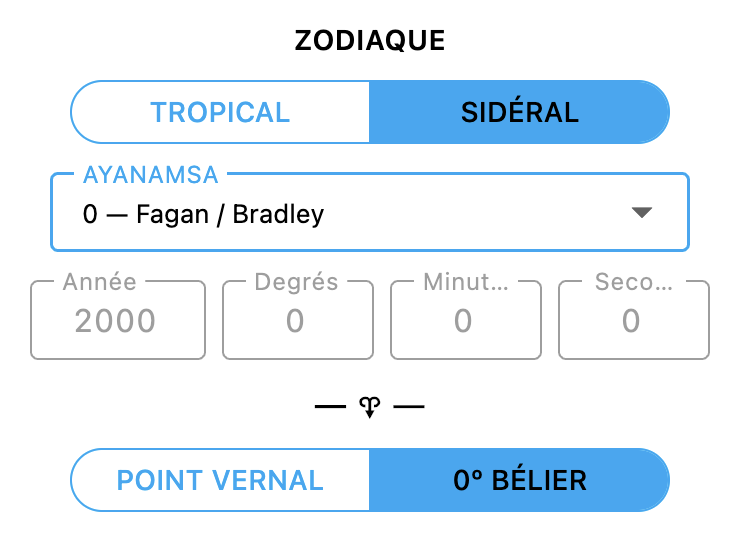
A long list of predefined ayanamsas is included, and you can also define your own.
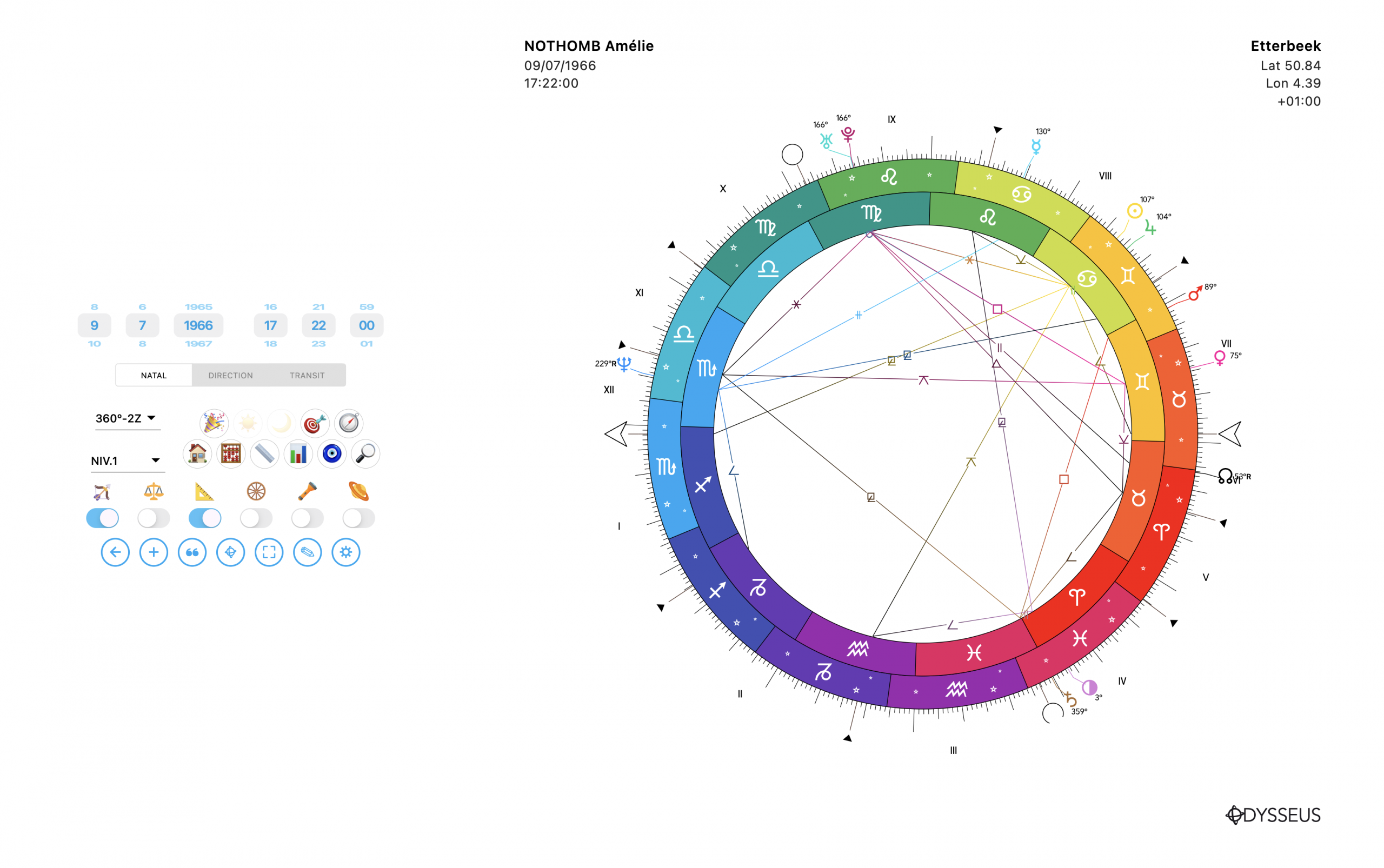
To accompany this, a brand-new chart wheel has been added: the 360°-2Z wheel, also known as the “Double Zodiac.”
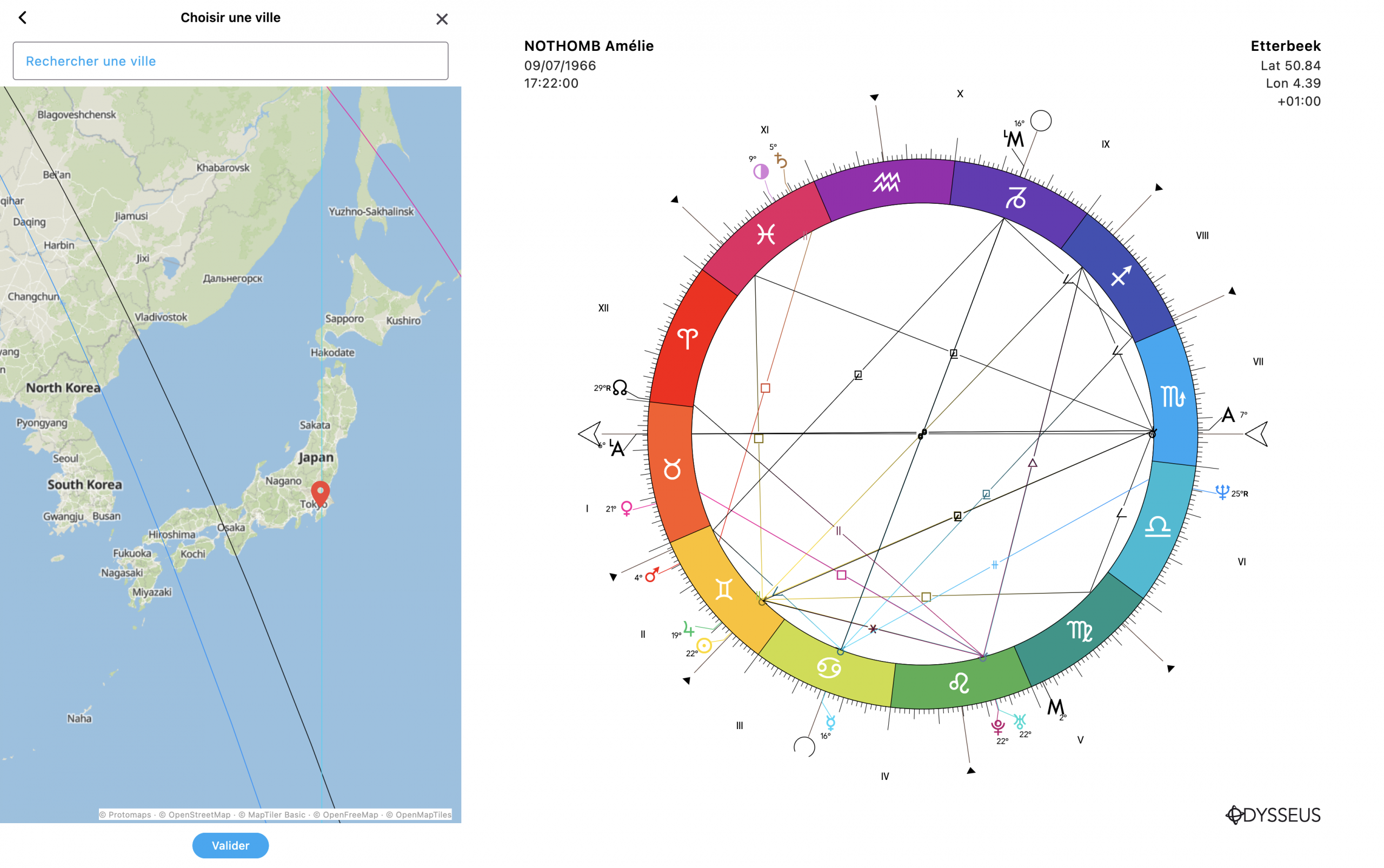
And finally, the feature I’m most proud of: astrocartography. It is integrated into the relocation world map and updates chart points in real time as you move around the globe, allowing you to instantly see how the house positions change. Watch the video to see it in action.
Enjoy!
UPDATE OF VERSION 8.0.1 & 8.0.2
First of all, small corrections raised by users regarding astrolocation, such as the bug of the tooltips that were not displayed, or a problem calibrating the relocation tag.
Also, for simplicity, the beacon is located directly on the city of birth. You must double-click on the map to deactivate it and navigate freely on the world map. A click elsewhere changes the location. But a new button ⟲ located at the bottom right allows you to put the tag back on the city of birth.
Finally, the addition of curves on this same module:
– of the local space
– midpoints
– aspects
– parans.
This is made possible by the window that opens with the ⛭ button located at the bottom left.
Possibility also to switch the card to monochrome.
The curves are now equipped with a shading to better perceive them on the background of the map.
And finally, for computer, possibility to display the map on a wide screen with a ↔︎ button located next to the closing cross of the flap.