Version 9.2.0
Here is a very minor update, with no major new features, primarily intended to consolidate and fix previous versions… although there is something rather significant that I will discuss at the end of this article.
First of all, the bug fixes:
– First, a slight overhaul of the “cusp” mode, which allows House numbers or zodiac sign symbols to be displayed directly around the dial. A few minor bugs persisted and could sometimes interfere with the rotation of the dial.
– On the 360º-2Z dial, the offset between the tropical and sidereal zodiacs has been corrected so that it is always displayed, even in tropical mode.
– A simple label change for the North Node symbol W in the settings panel, which until now was labelled “Lunar Node”. It is now clearly identified as “North Node”.
– A bug caused the dial to always open with all three levels displayed. This has been fixed so that the last setting used is now remembered. The same applies to the toggle switches, whose states are preserved from one chart to another.
– When highlighting text in certain Notes tabs and switching pages, the floating toolbar remained visible. It now closes automatically.
– And finally, a major bug introduced in the previous version caused the application to crash completely when using the relocation feature. This has been fixed.
Next, the improvements:
– First of all, time zone updates to account for upcoming changes to timekeeping rules in Chile, Moldova, Canada, Morocco, Cuba and Greenland.
– A significant improvement to the planetary collision and spacing manager, further enhancing and optimising the chart display.
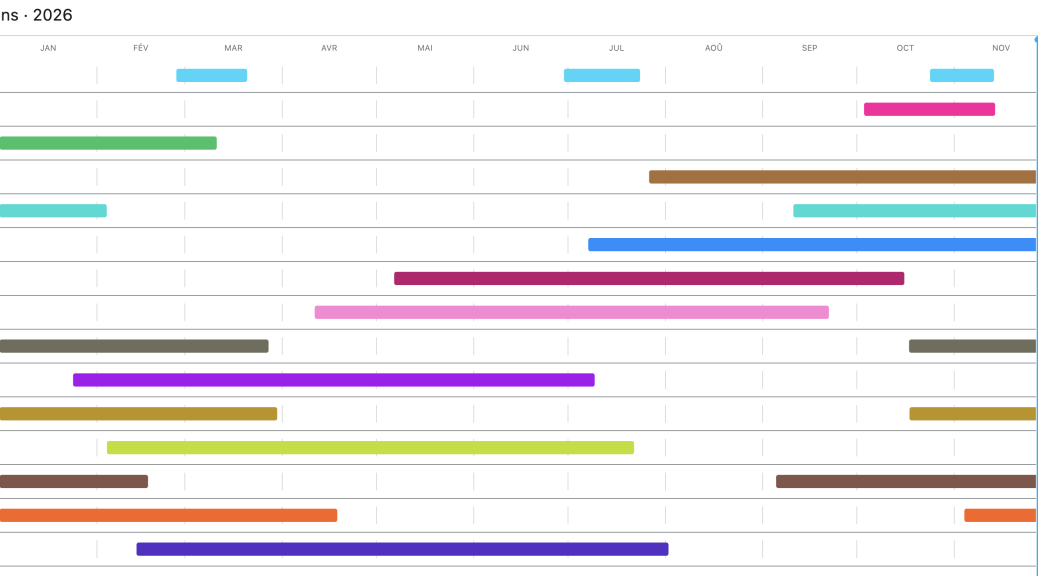
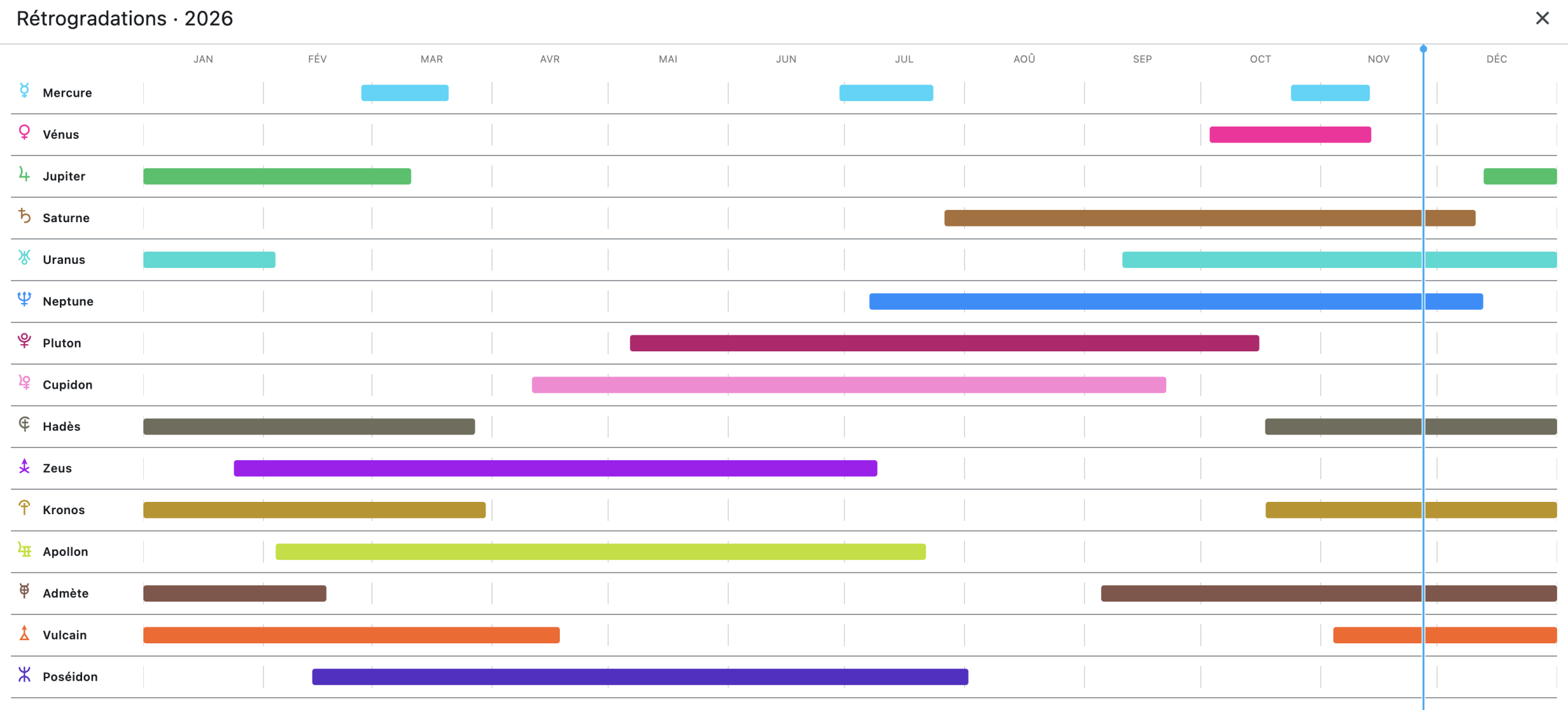
– In the retrograde calendar 🕰️ (available in the Events panel 🎉), all celestial bodies can now be displayed, rather than just the classical planets. I have also added a progress bar to monitor the calculation process. Direct motion periods are disabled by default to reduce the workload on less powerful computers. Years are loaded once scrolling stops, making navigation smoother. And finally — moving on to the new features, few though they may be! — a graphical view allows you to visualise these movements, as well as our current position within them, with an additional button to switch the window to full-screen mode:
– In synastry charts, it is now possible to display both the synastry and the transits together.
– The graphical ephemeris 📊 now also allows you to calculate transits to a composite chart, as requested by one of our users 🙂
– In the midpoint tree, the playhead automatically aligns with the centre of the tree, corresponding to a 0º orb, and a new button 🔦 has been added to show or hide selected factors. This makes browsing through long lists much more convenient.
– The listing can now be displayed continuously for easier reading, using a new button 📖 whose state is remembered:
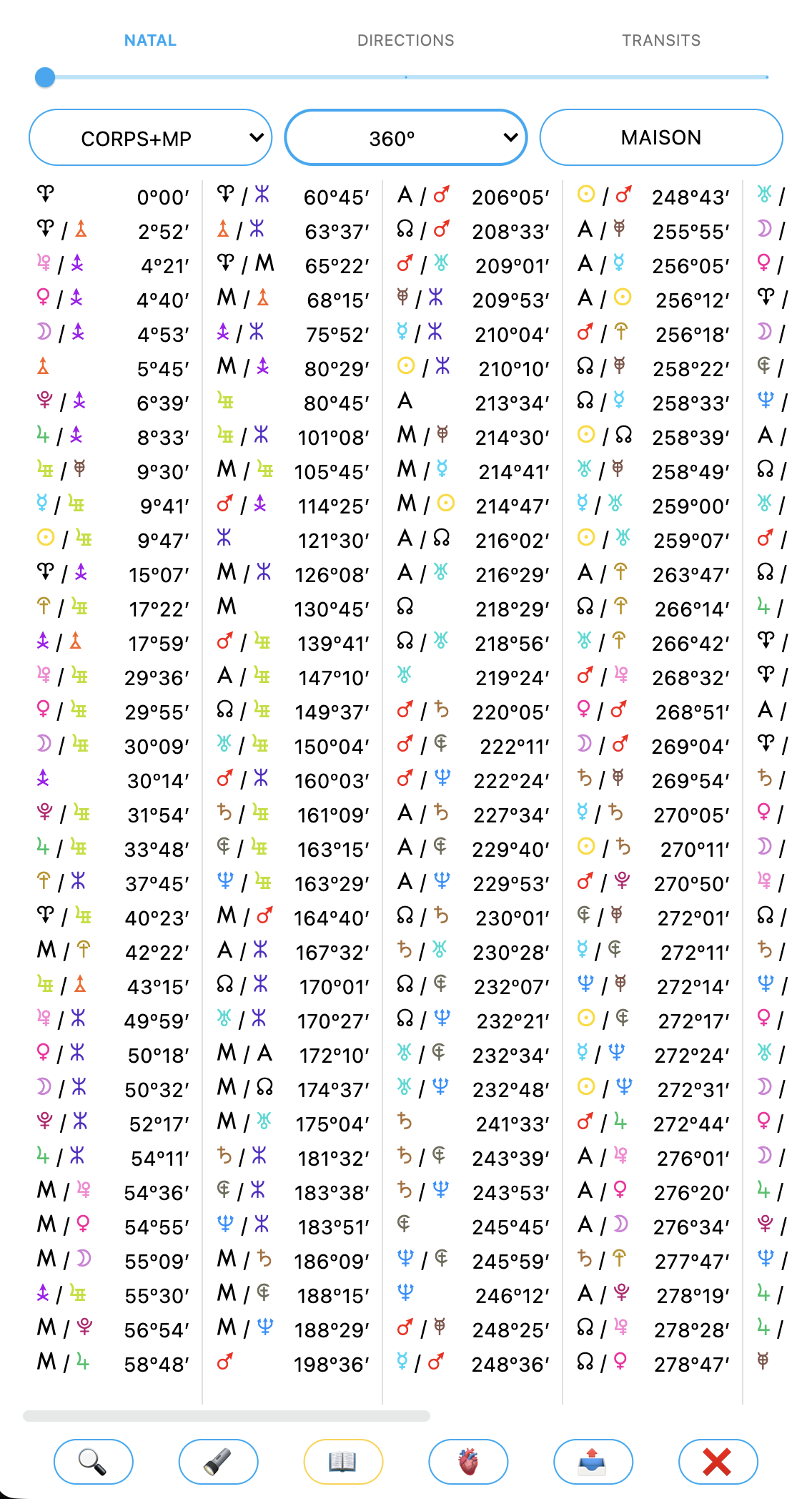
…and, of course, it can be exported as a PDF. Listing PDFs now also include the chart name in the header.
– Charts can now be displayed in heliocentric mode (i.e. as viewed from the Sun N). It therefore goes without saying that all personal points, except for the Moon Y, disappear from the chart.
– And one final new feature, which will not change anyone’s life except mine: the application no longer bundles the ephemerides or the Codex. Instead, they are downloaded when the application is launched. This makes no difference to the user. For me, however, it means that whenever I need to make changes to the ephemeris files or the Codex texts, I no longer necessarily have to release a new version of the application. I can update the texts whenever I wish, without releasing an app update, and the application detects from your computer (provided you are connected to the Internet) that a new version is available online and automatically downloads it. This change is still somewhat experimental, so I look forward to your feedback should you encounter any bugs, which are quite possible given the various operating systems (macOS, iOS, Android, Windows) on which the application runs.