Version 7.2.3
And a new (small, this time) update — more of a set of fixes, but important ones to apply! Huge thanks to the testers for your feedback, you’re awesome ❤️
On the menu:
+ Fixed a bug where the seconds in the birth chart were not being saved and always reset to 00 when reloading the chart.
+ Another small bug: the Vertex \ was making random texts appear for no reason. Fixed.
+ The listing was no longer exporting the PDF of the planetary figures. This is now corrected.
+ Saving notes ❝ would remove the tag/classification of the chart. That’s no longer the case!
+ The Progressed Meridian | was being altered when switching from Solar Arc Direction to Lunar Arc Direction or to Progressions. Which it shouldn’t have… and it doesn’t anymore.
+ The tooltip that appears when hovering the mouse over an element was showing the wrong cusp when displaying the cusps of the < in 2h of R.A. Yeah… You’ll have to take my word for it!
Among the improvements:
+ The font has been slightly modified in ways you won’t really notice, but which may make the planets appear smaller on your screen. You can of course increase their size in the settings panel.
+ The Lunar Node texts have been very slightly reworked but, in the future, when I have the time, I’d like to properly rewrite all the House texts that I find quite dense, which can be off-putting at first glance.
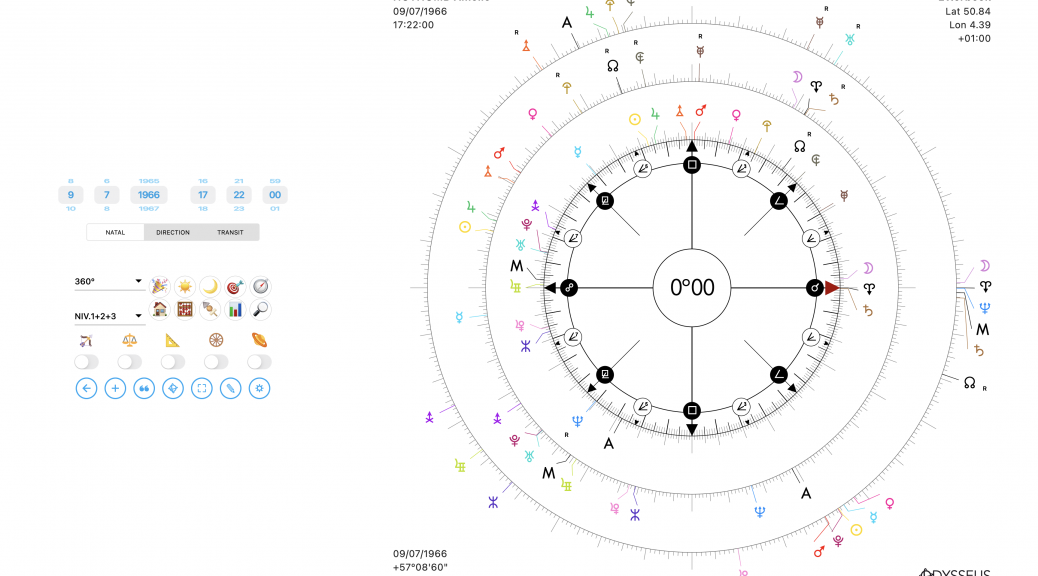
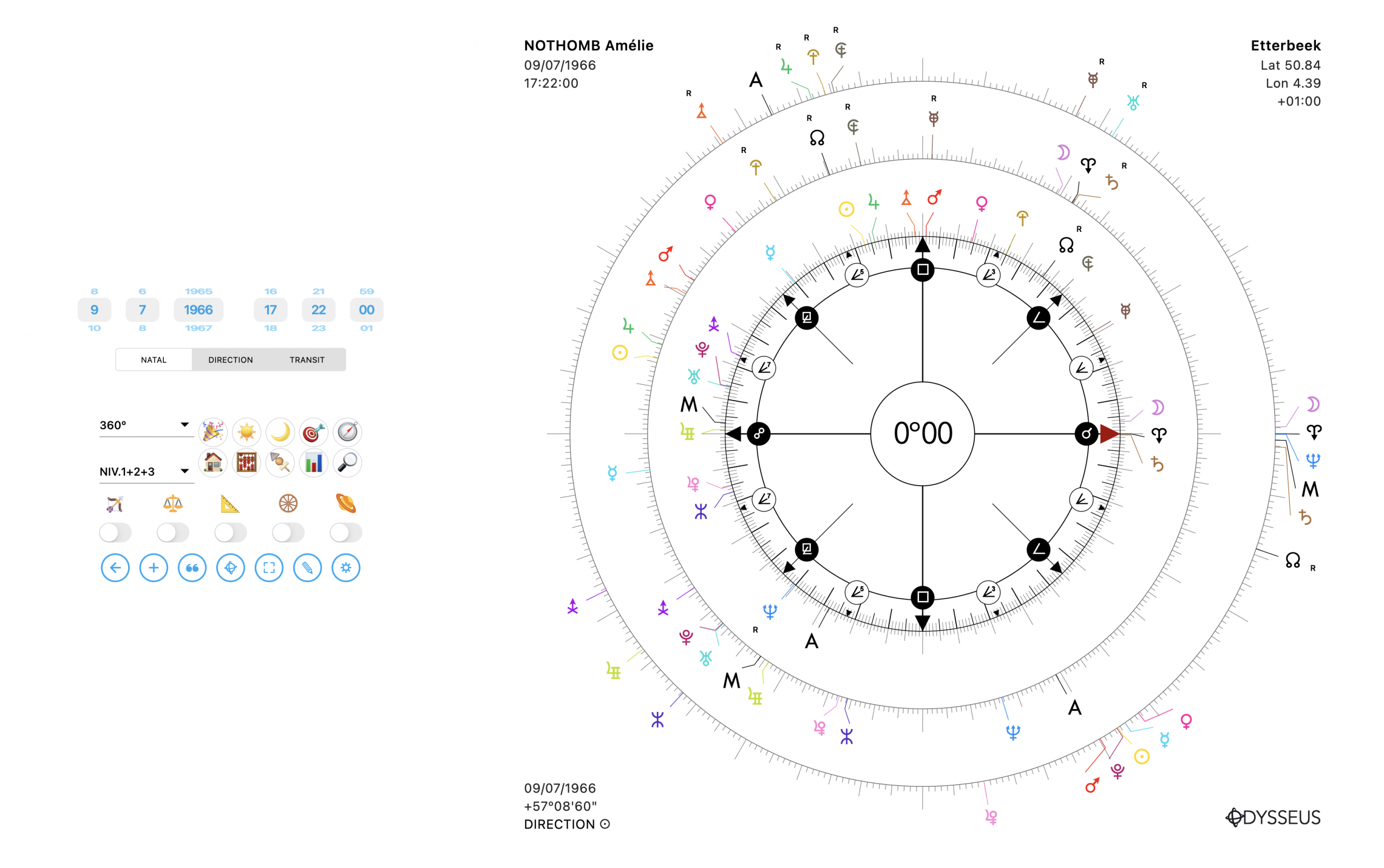
+ The date and time wheels now turn blue when you’re on the natal level, to avoid accidentally changing the birth chart info (which happened to me basically every other time…)
+ In Graphemeris, it’s now possible on phone to “zoom in” to better extend the curve area.
+ The display is now much more optimized for small screens, and on iOS the app is available starting from iOS 15!
+ Also, the gaps between planets are now smaller, to avoid seeing them spread out too loosely all over the place… Clusters of more than 5 planets had become my worst nightmare!
And some additions:
+ The chart manager now displays the full time, including seconds.
+ The tooltip that appears when hovering over a planet now displays declinations. And that… well… that’s cool!
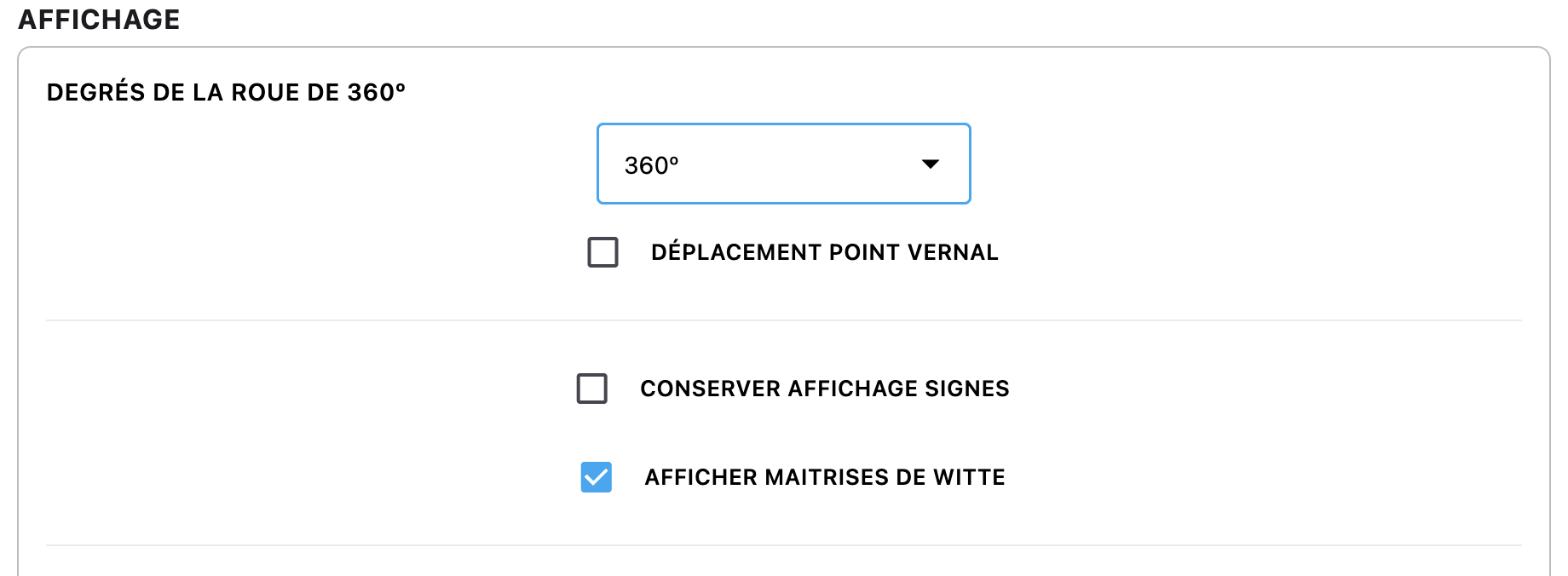
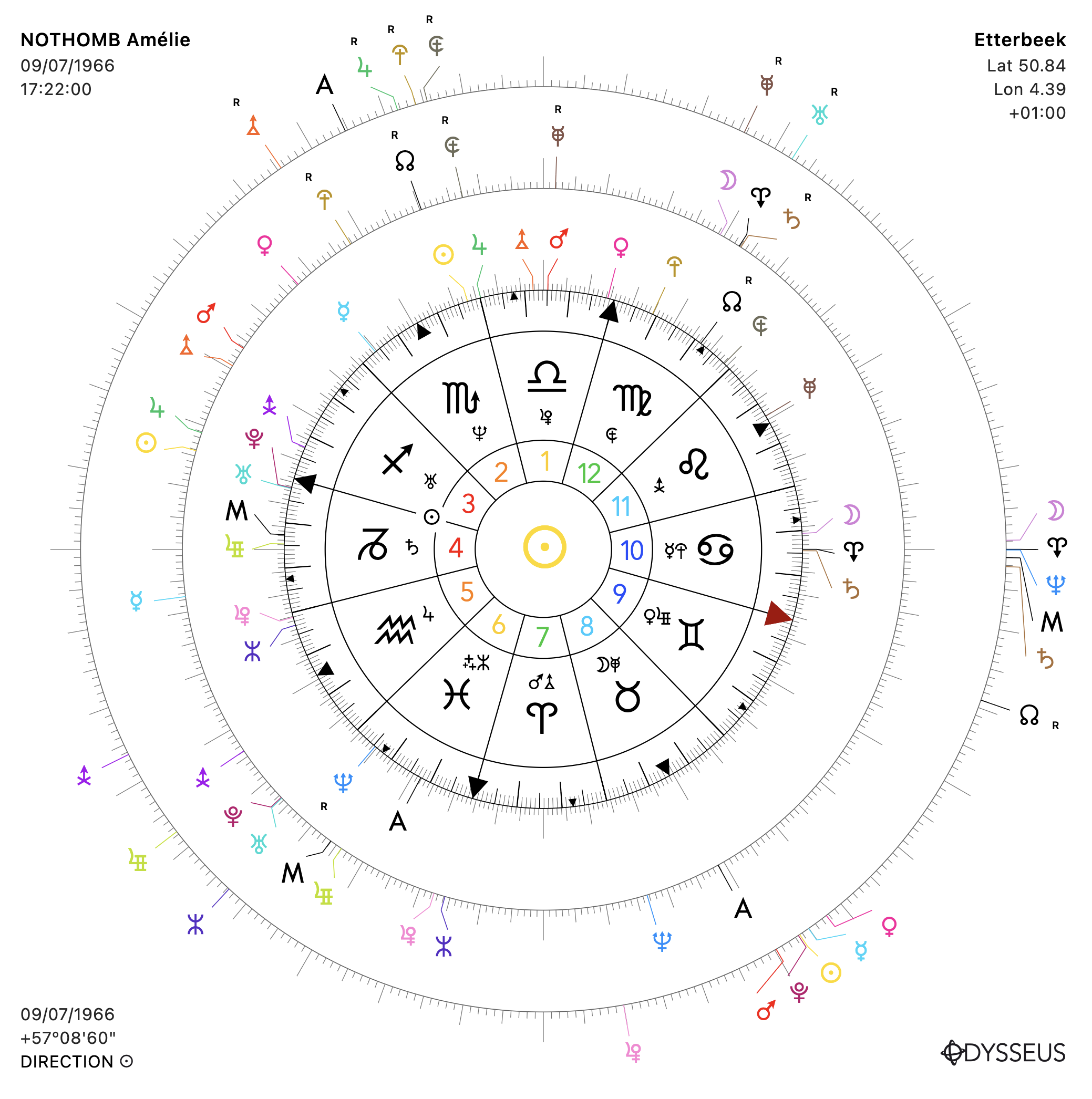
+ An addition that will probably interest no one but me: it’s now possible from the settings panel to display Witte’s Planetary Rulerships on the wheel.
+ On phone — we’re trying it, we’ll see if it’s convincing! — but I added the drawing tool to draw a line ✎ between two planets, or click on a planet to draw a circle ⭘ around it. To switch from one tool to the other, you need to double-click quickly on the button.
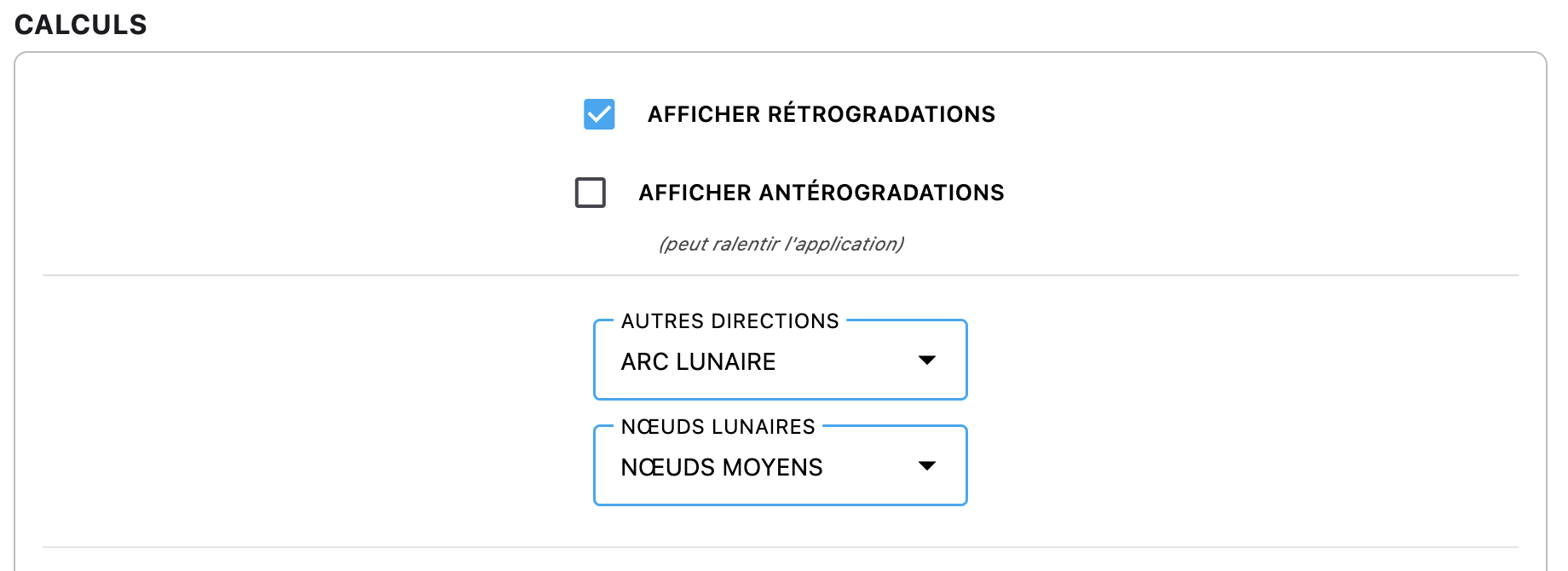
+ It is now possible to display, from the settings panel, “Mean” Lunar Nodes instead of “True” ones if you wish. For those following Witte’s articles, he worked with the Mean ones.
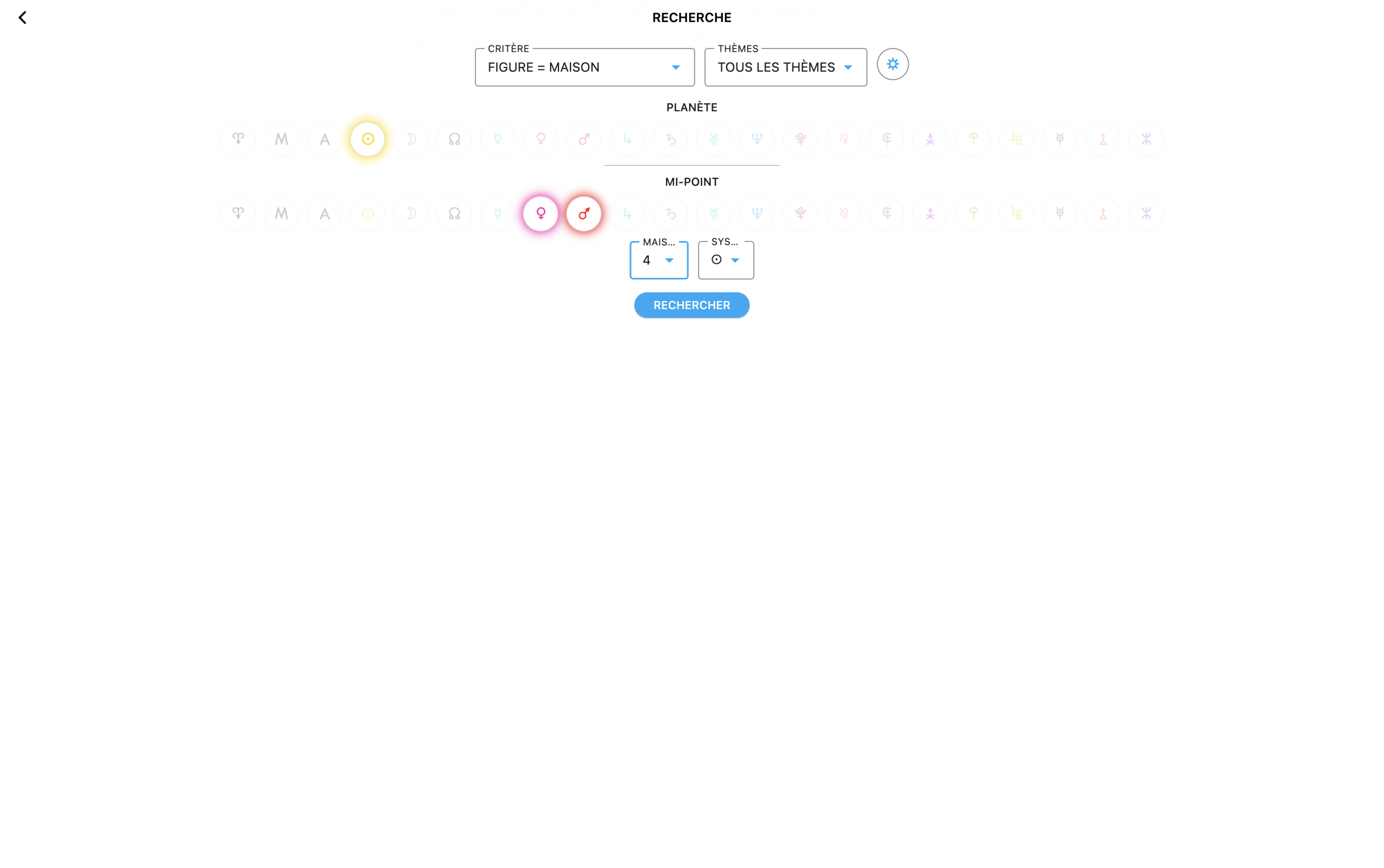
+ And finally, not a huge revolution, but now in the chart manager 🗂️ you’ll find a search engine 🔍 based on astrological criteria, so you can find which of your saved charts feature, for example, such-and-such planet on such-and-such midpoint, or such-and-such sensitive point in such-and-such House. Clicking it opens the chart automatically, and when you go back, you’re taken back to the search form. VERY handy, I admit! I made it almost purely for personal pleasure. Enjoy!
That’s all for today. Kisses!