Version 7.1.0
I know! I said: no update before next year. But since a small bug had slipped into the previous one, it had to be fixed. So let’s start with the bugs:
- First of all, the bug in question happened when locking a planet (double-click), which then froze the listings at that level, even after unlocking. Fixed.
- Another bug fixed: the pen. It kept drawing all the time, even when drawing mode wasn’t enabled.
- On Windows, the drawing tools couldn’t be resized because of a conflict with the SHIFT key. Now, when you highlight an object with CTRL, you just need to scroll the mouse wheel to increase or decrease its size. So… you need a mouse with a wheel!
Then the improvements:
- Also, the list of lunations is now pulled from a pre-established list. So there’s no loading time anymore. Lunations now display quickly.
- In the list of customizable points, I added 2 stars for each block (midpoints, sensitive points, degrees).
- I also added about ten animal emojis to the list.
- The Guide (the lines that go from the wheel toward the aspects), as you know, shows a variable number of rays, which you change by long-pressing the helm image above the toggle. Now, that choice is saved in memory for each wheel. So you can display, for example, 16 rays on the 360º wheel, only 4 on the 90º wheel, and just 1 on the 22º30 wheel—everything is remembered.
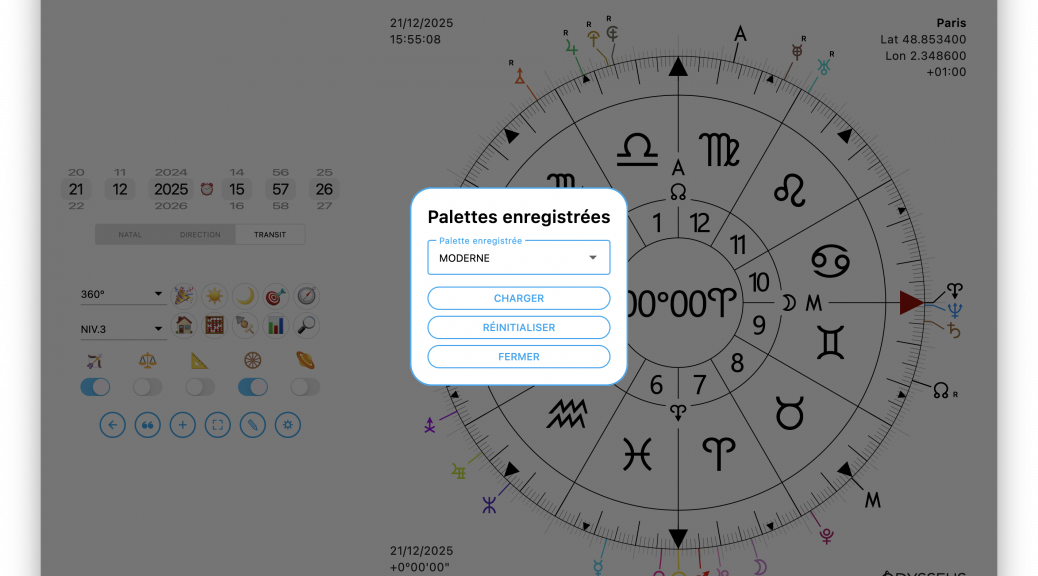
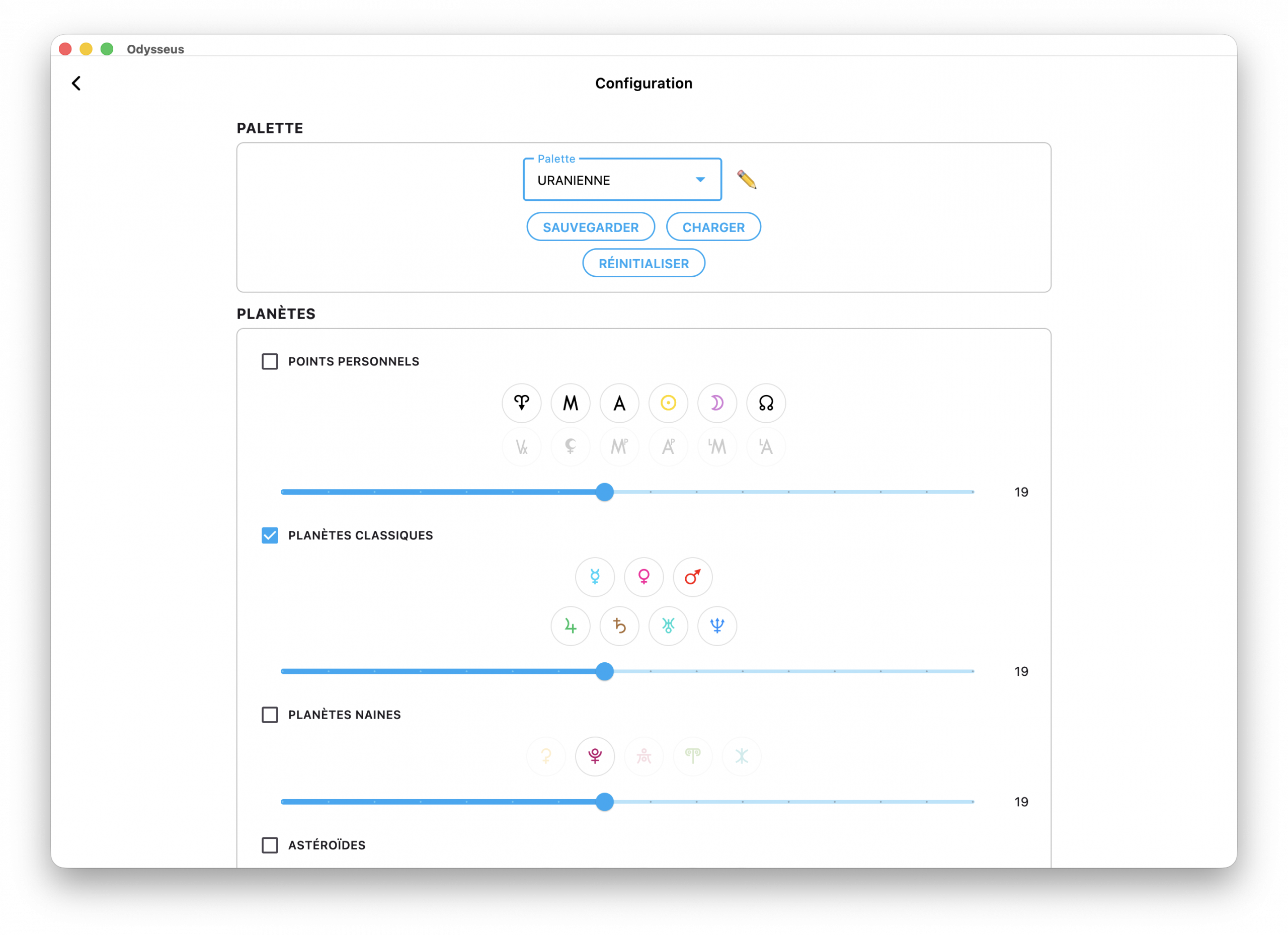
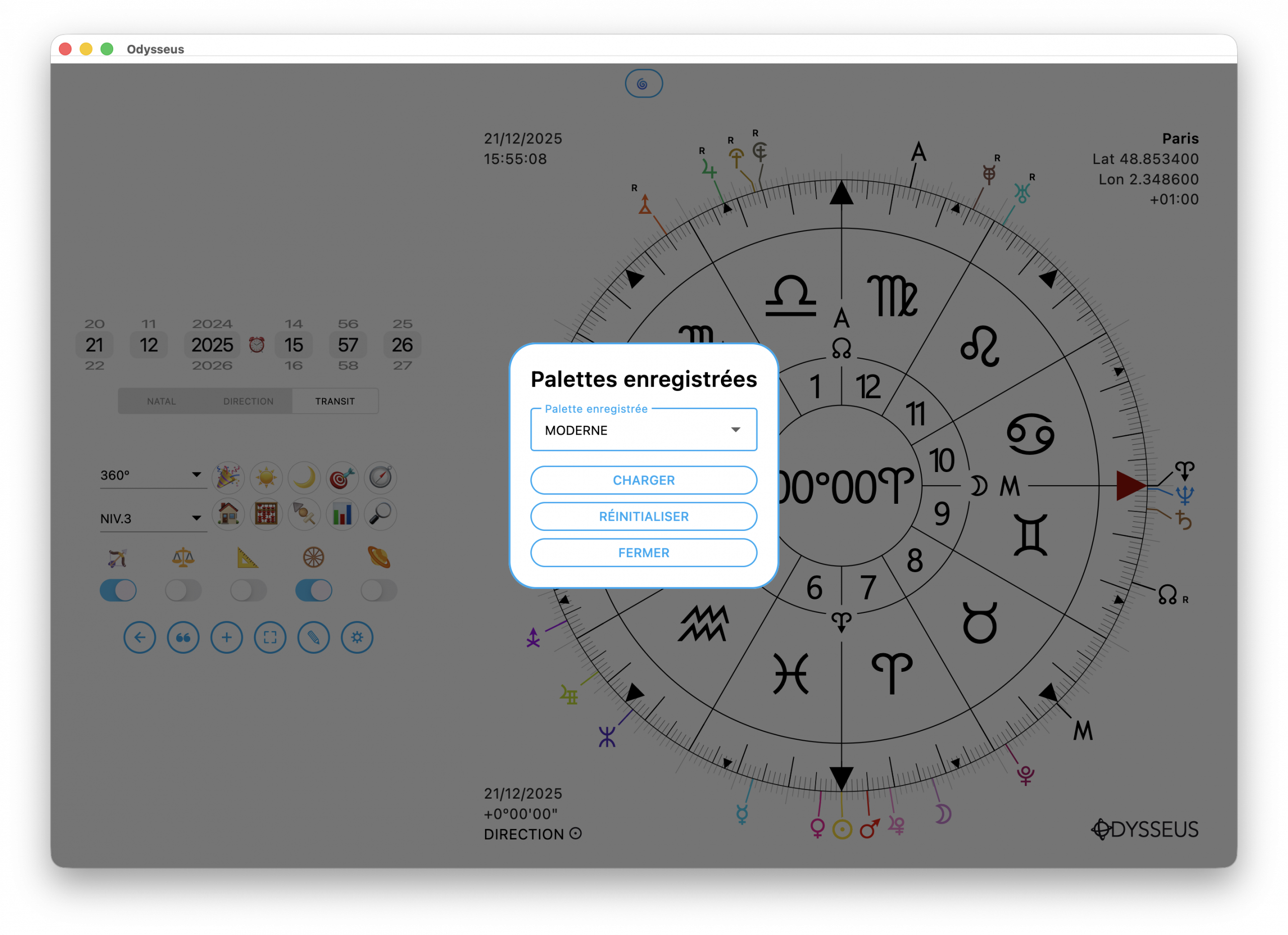
- Speaking of memory, I installed a “configuration palette” system via the settings panel. You can now set your parameters however you like, then choose a palette, name it, and save the info to it. And when you long-click the gear button from the chart to reset, you can simply pick the palette you want right away.
- Following a request, in the places where Grimoire definitions appear, the folders and subfolders the formulas come from are now specified.
- In cusp mode (toggle below the arc), the Midheaven Houses are now displayed in 2h of right ascension for greater precision. This will change House sizes from a fixed 30º to a variable size, roughly between 28º and 32º.
And finally, the additions:
- I added an “Introduction” section in the “Codex” area in order to explain to newcomers how Uranian astrology works.
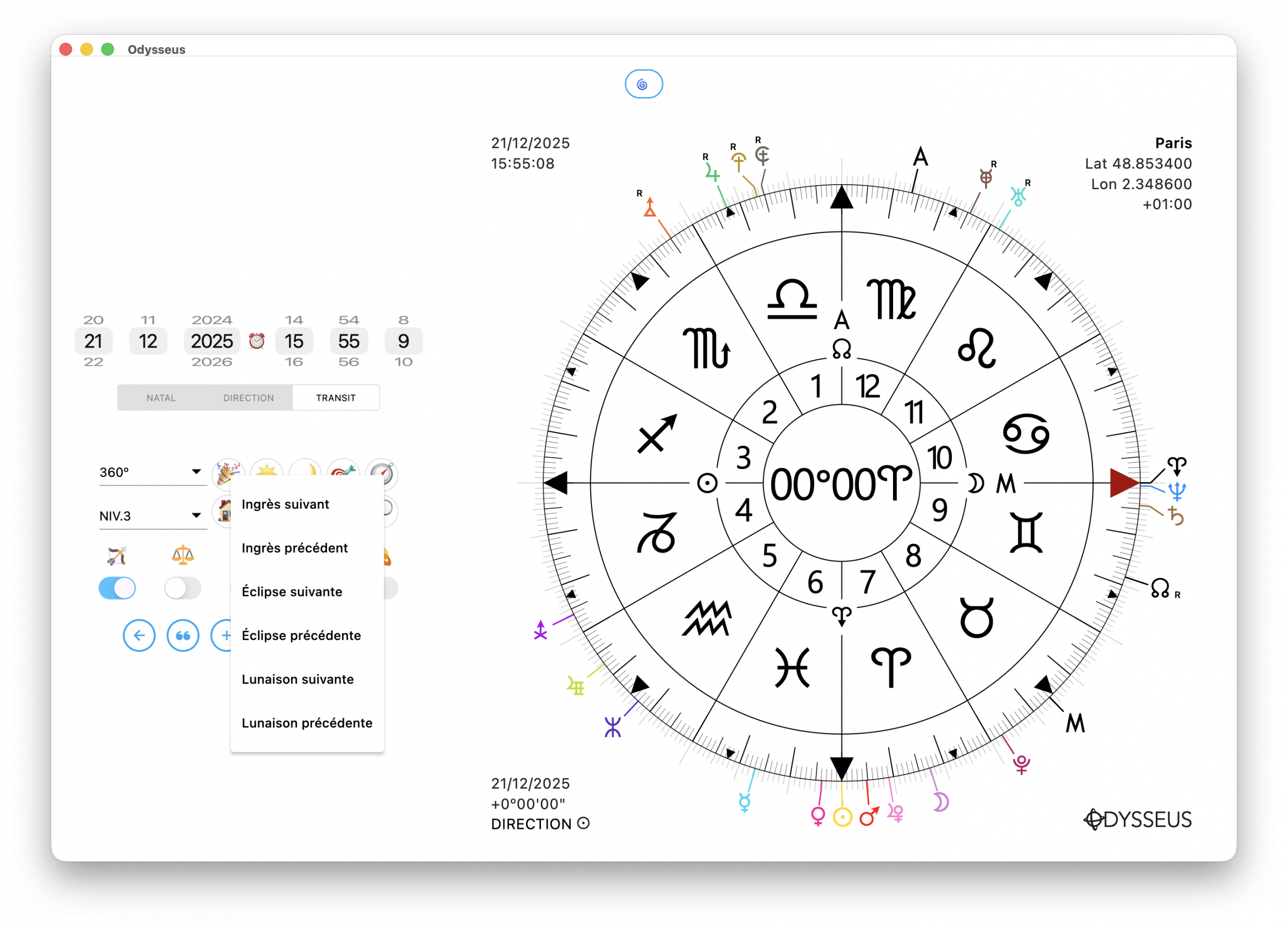
- On the lunations straight-line view, I also added on desktop (Mac/Windows) the option to right-click the events 🎉 button to directly choose the desired event, next or previous.
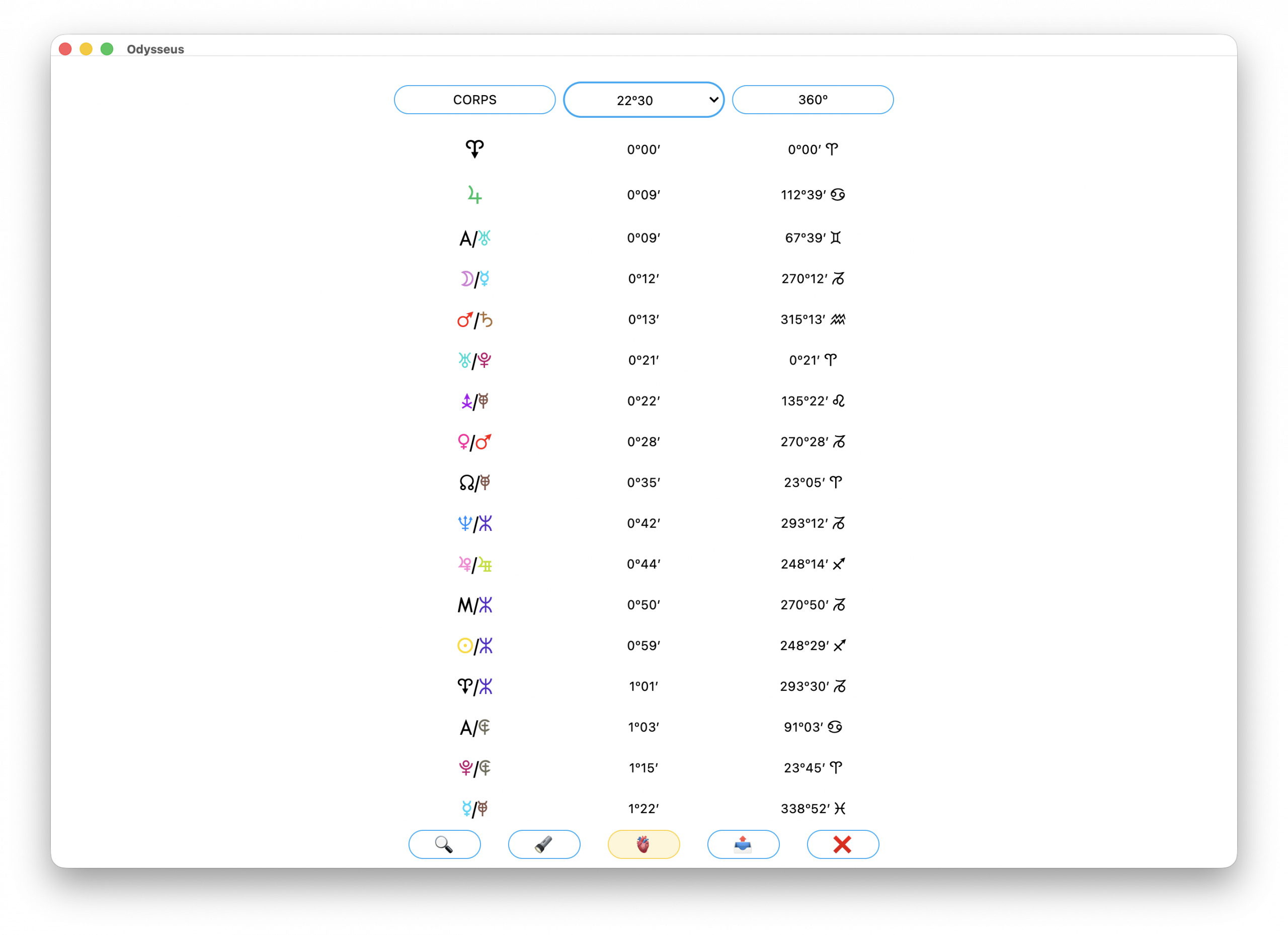
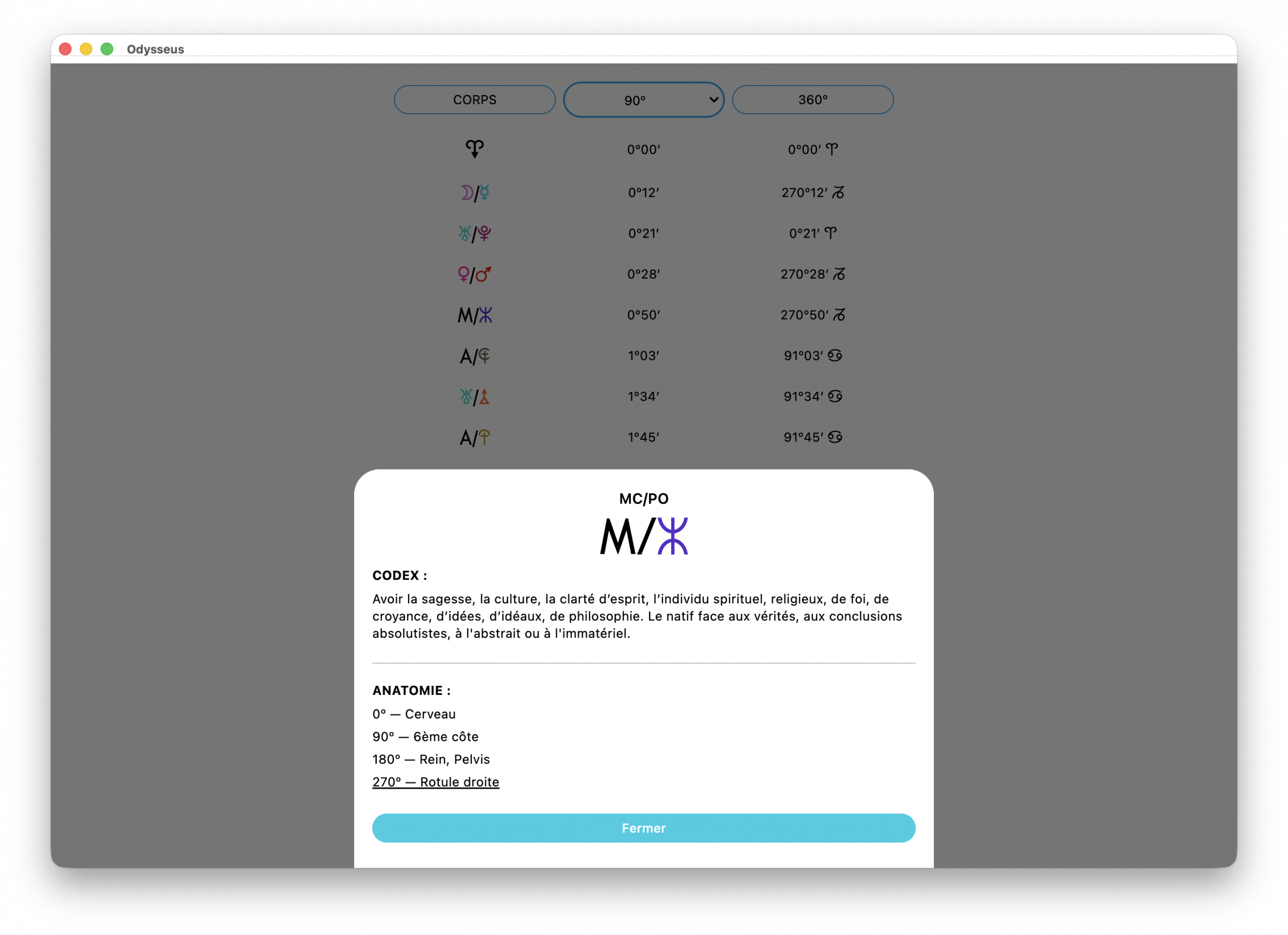
- And lastly, a small improvement that will please my students who took the health course: the listings now include a button with a heart 🫀 which, once enabled, displays in the definitions the anatomical correspondences according to the writings of the German astrologer Reinhold Ebertin who, despite his complacency toward the Nazi regime and his odious attitude toward Alfred Witte and his colleagues, at least had the merit of doing fairly relevant work on the subject of health. If you’re in 90º modulo, anatomical mode will give you 4 correspondences. If you’re on a smaller modulo, it will display as many correspondences as are found on a 22º30 wheel. And the underlined sentence shows the organ directly targeted on the 360 wheel.
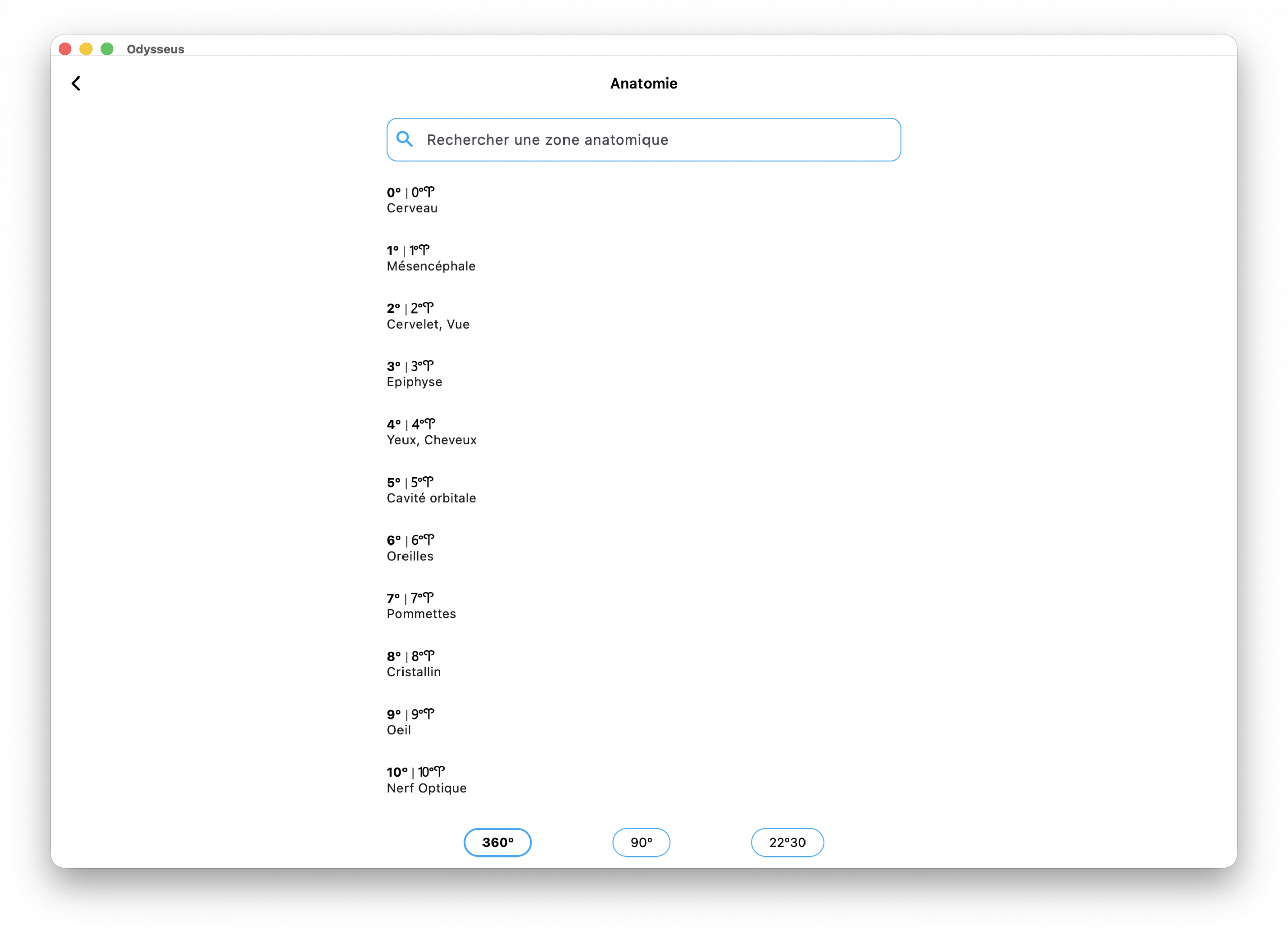
- Also, by long-pressing the heart 🫀 button, you’ll get direct access to the list of organs by degree.
And this time, it’s the right one! Kisses, Merry Christmas, and Happy New Year!